SaleBot Chat Widget Addon is an extension for the SaleBot – WhatsApp and Telegram Marketing SaaS platform that lets you add a WhatsApp-powered chat widget to your website for real-time customer interaction and lead generation. It’s not a standalone product — it only works with SaleBot already installed on your server.
SaleBot Chat Widget Addon isn’t a standalone system. This SaleBot Chat Widget Addon is available only for SaleBot – WhatsApp And Telegram Marketing SaaS – ChatBot & Bulk Sender . If you do not purchase SaleBot – WhatsApp And Telegram Marketing SaaS – ChatBot & Bulk Sender yet then click here for purchasing

SaleBot Chat Widget Addon
Item Name: Chat Widget Addon
Version: V1.0.0
Overview:
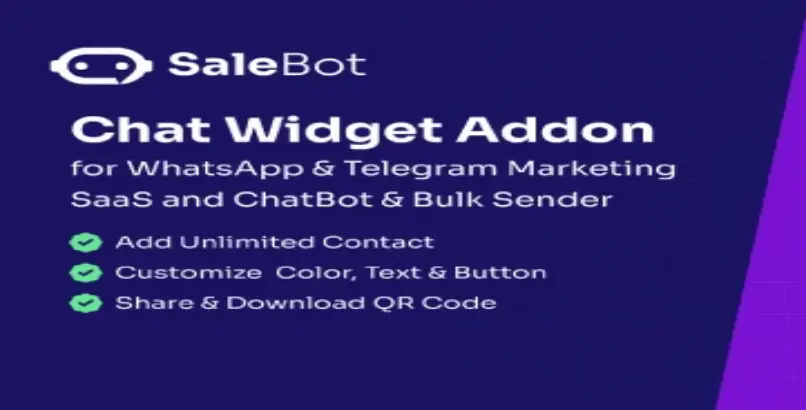
Enhance your customer engagement with the SaleBot Chat Widget Addon. Seamlessly integrate a customizable chat widget into your website, enabling real-time interaction with your clients via WhatsApp. Perfect for businesses looking to provide instant support, gather leads, and improve customer satisfaction.


Requirements:
- Preinstalled SaleBot – WhatsApp And Telegram Marketing SaaS – ChatBot & Bulk Sender on your server.
- Required SaleBot Version: V1.8.0 or later.
Key Features:
- User-Friendly Installation: Easily purchase, download, and activate the addon directly from your SaleBot admin panel.
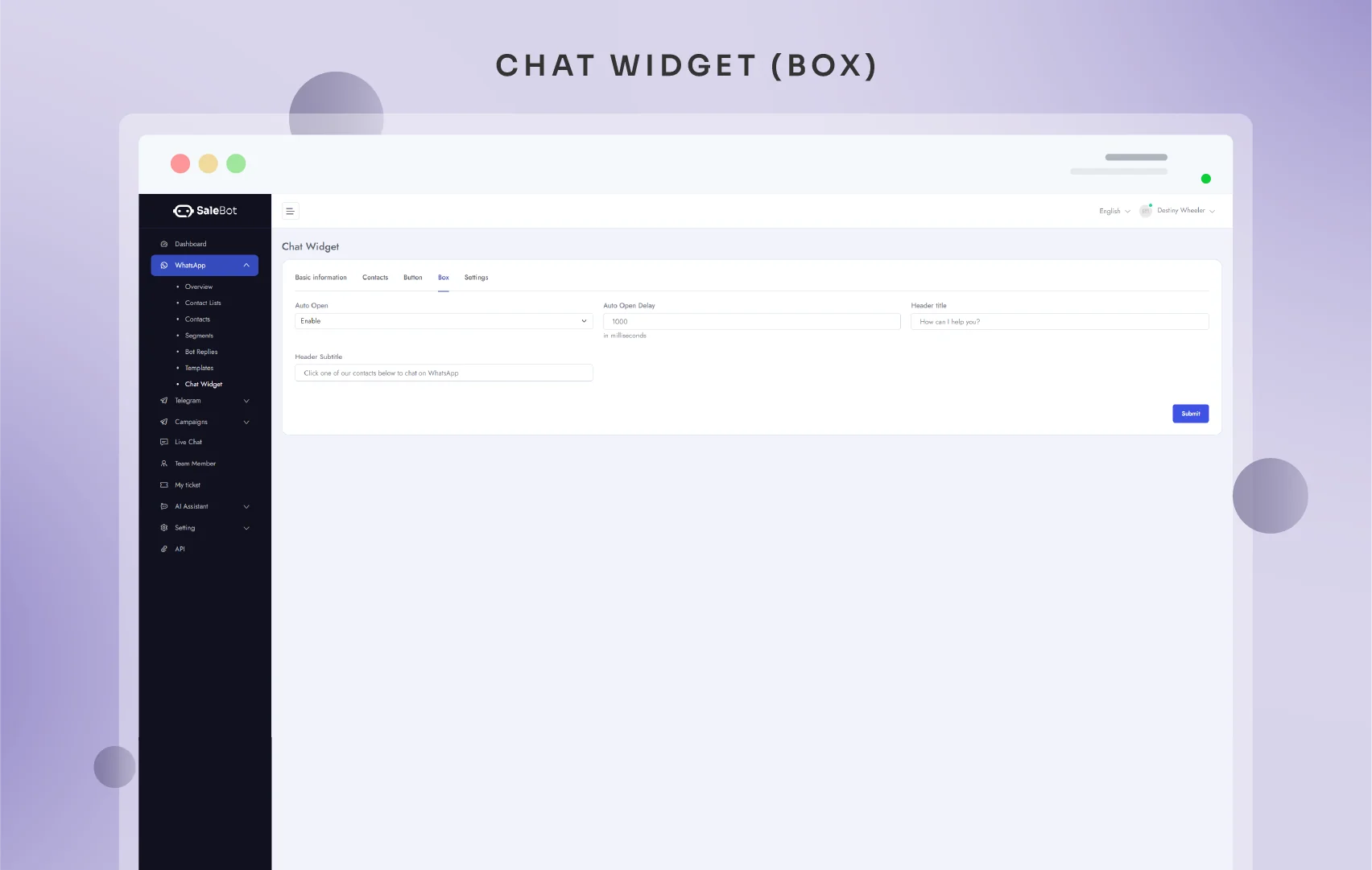
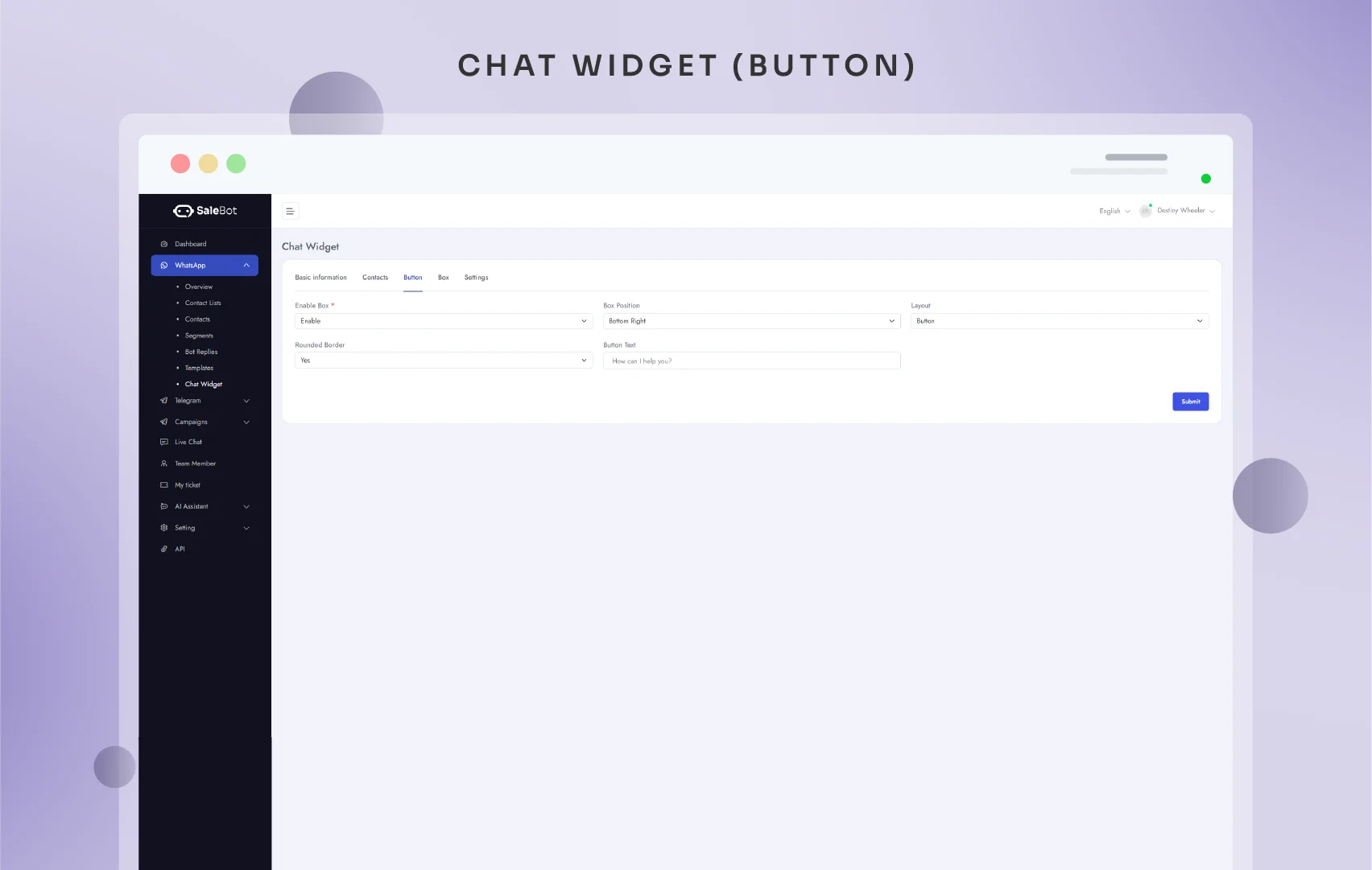
- Customizable Design: Tailor the chat widget to match your website’s aesthetics. Adjust the box position, layout, colors, fonts, and more.
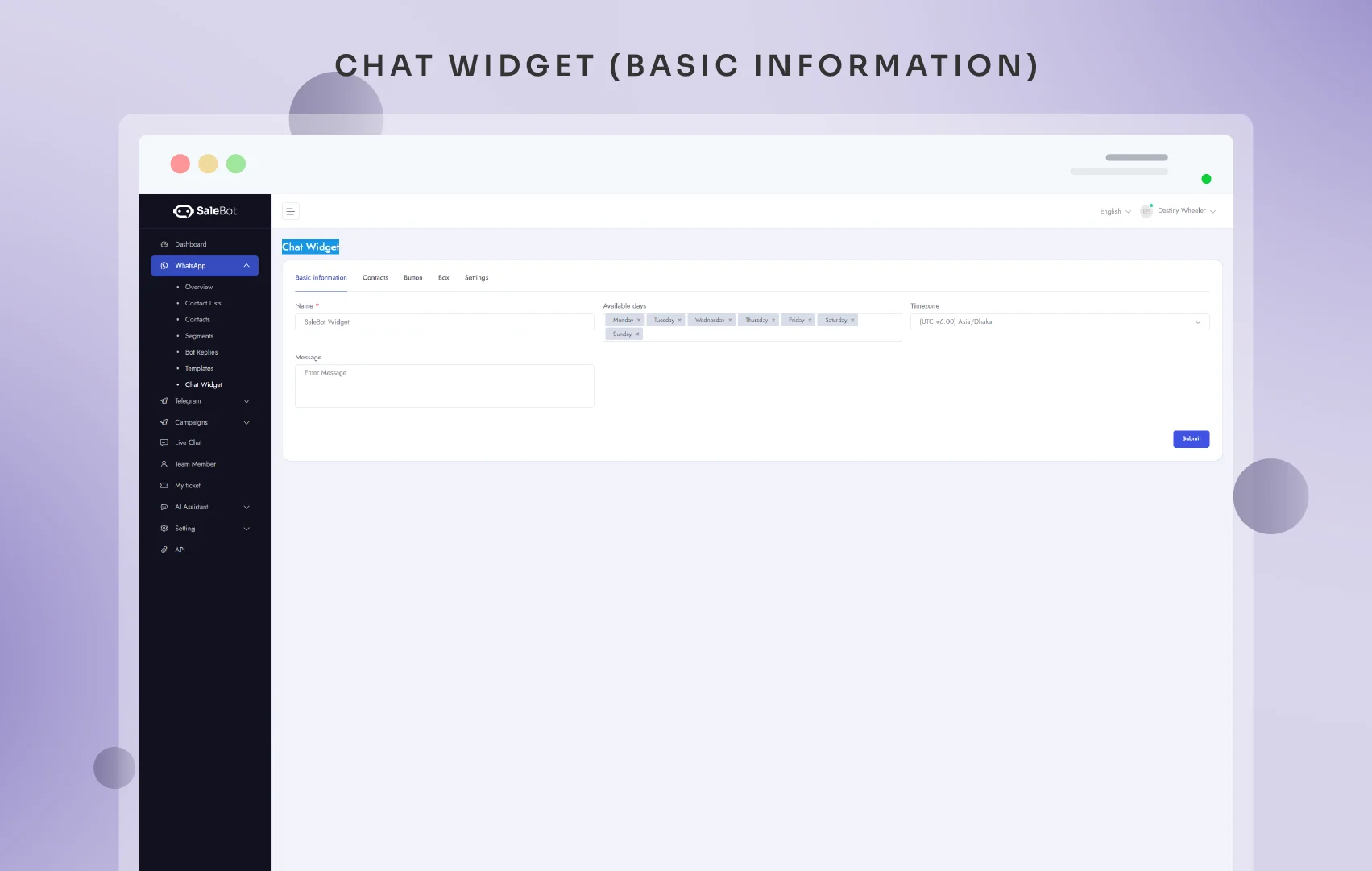
- Availability Settings: Configure the chat widget’s operational hours and time zone to match your business hours.
- Automated Messaging: Set initial messages and auto-open features to greet users and start conversations effectively.
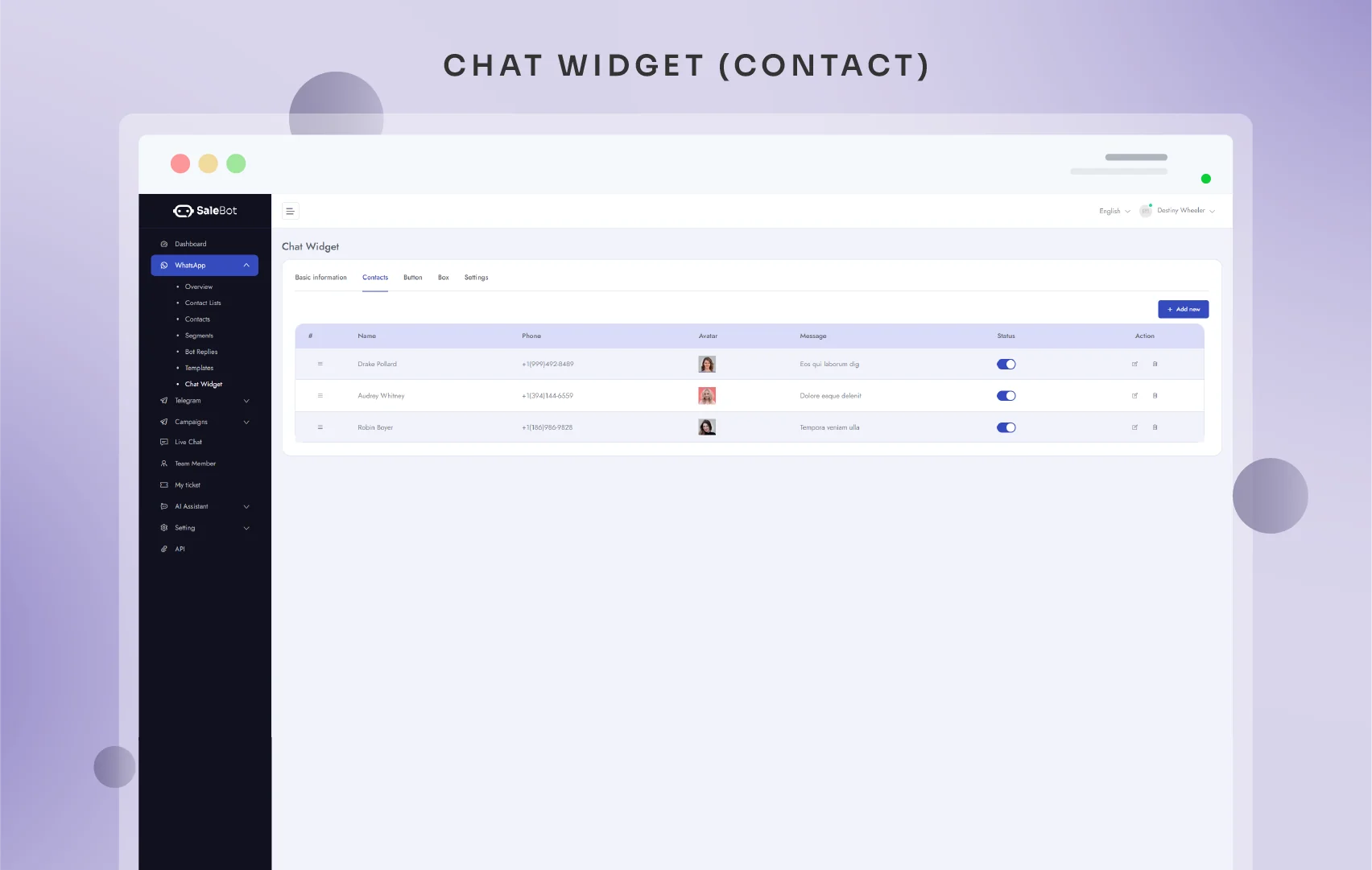
- Contact Management: Easily add and manage contacts within the widget for streamlined communication.
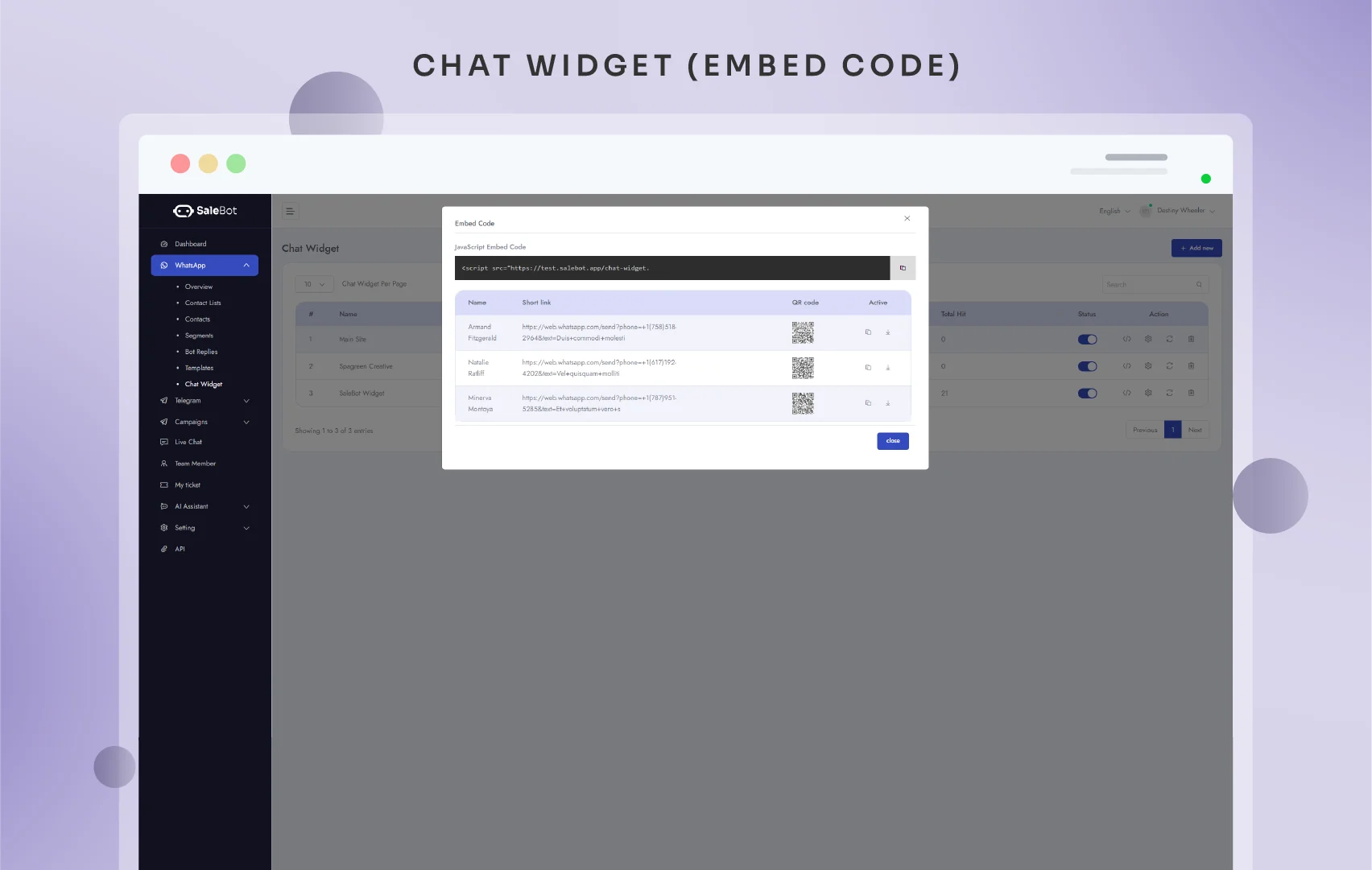
- Easy Embedding: Get the embed code with a click and integrate the chat widget into any website seamlessly.
Installation Steps:
Upload and Activate Addon:
- Log in to your SaleBot admin panel.
- Navigate to the Addon menu and select Installed Addons.
- Click the Upload button, enter the activation code, upload the ChatWidget.zip file, and click Save.
- Once uploaded, the addon will be activated and ready for configuration.
Usage Instructions:
Creating and Customizing a Chat Widget:
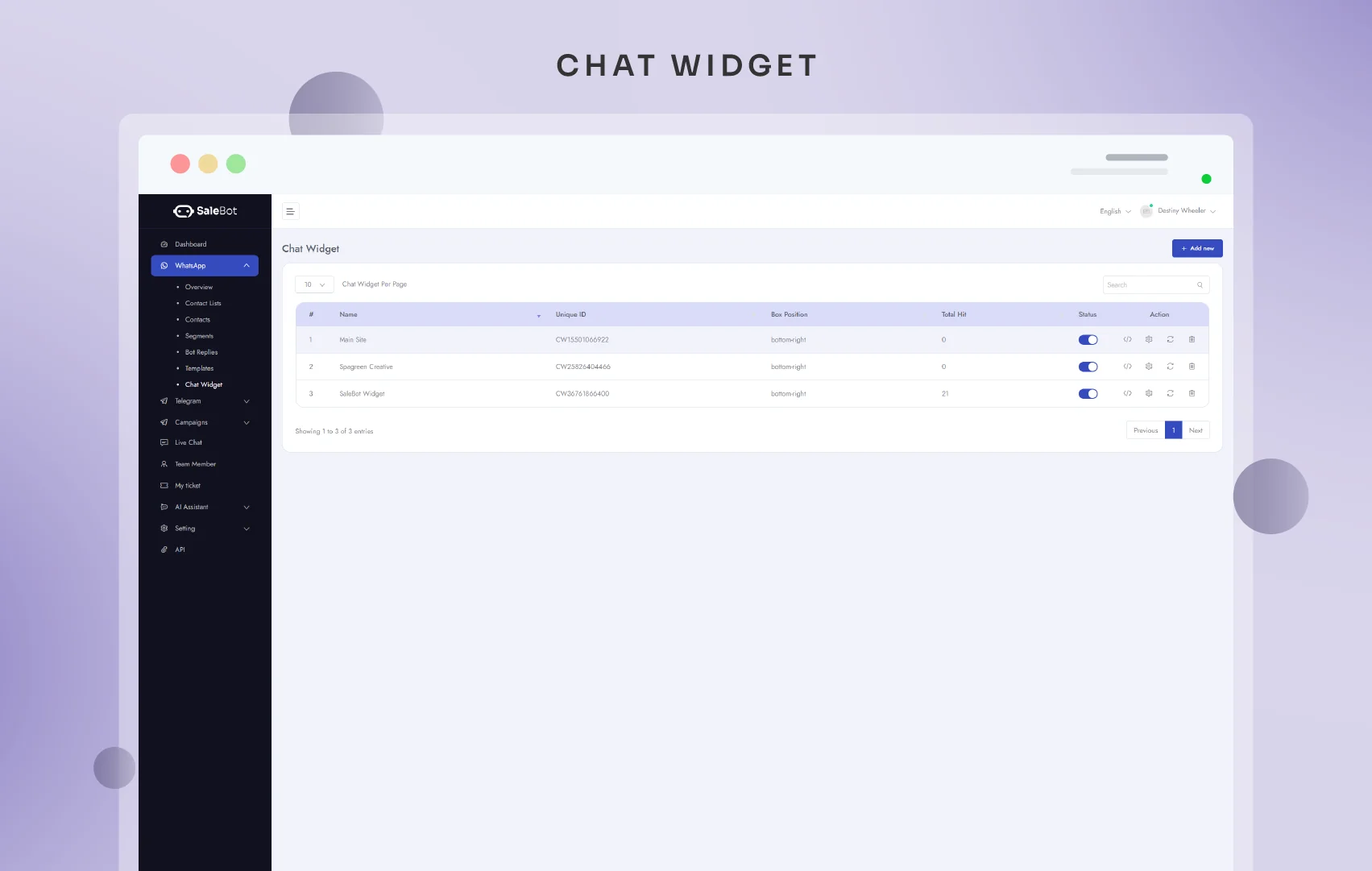
- Navigate to WhatsApp -> Chat Widget in the client panel.
- Click the Add New button to create a new chat widget.
- Customize the widget design, availability, messages, bot settings, header, and appearance to fit your needs.
Embedding the Chat Widget:
- Get the embed code from the list of chat widgets by clicking the Get Embed Code button.
- Copy the embed code and paste it into the BODY of any website where you want the chat widget to appear.
Troubleshooting:
- ChatWidget not displaying: Ensure all installation steps are completed and your SaleBot version meets the required version.
- Appearance issues: Check your customization settings for any conflicting styles.