Kiosk Module for Tabletrack

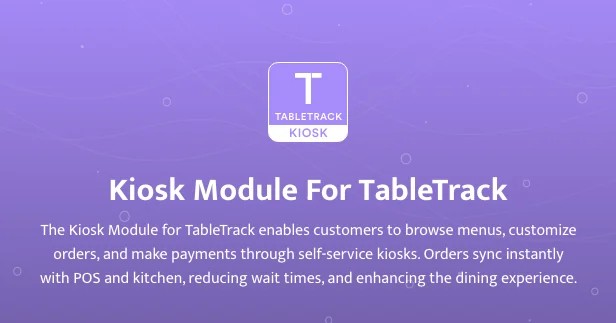
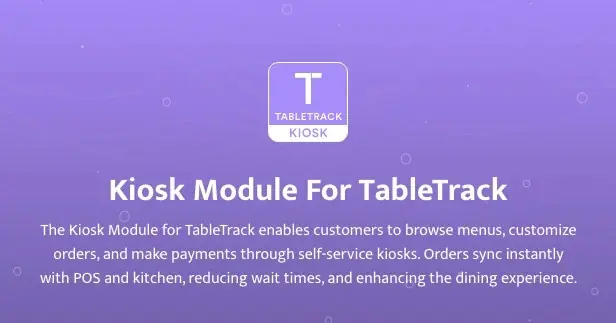
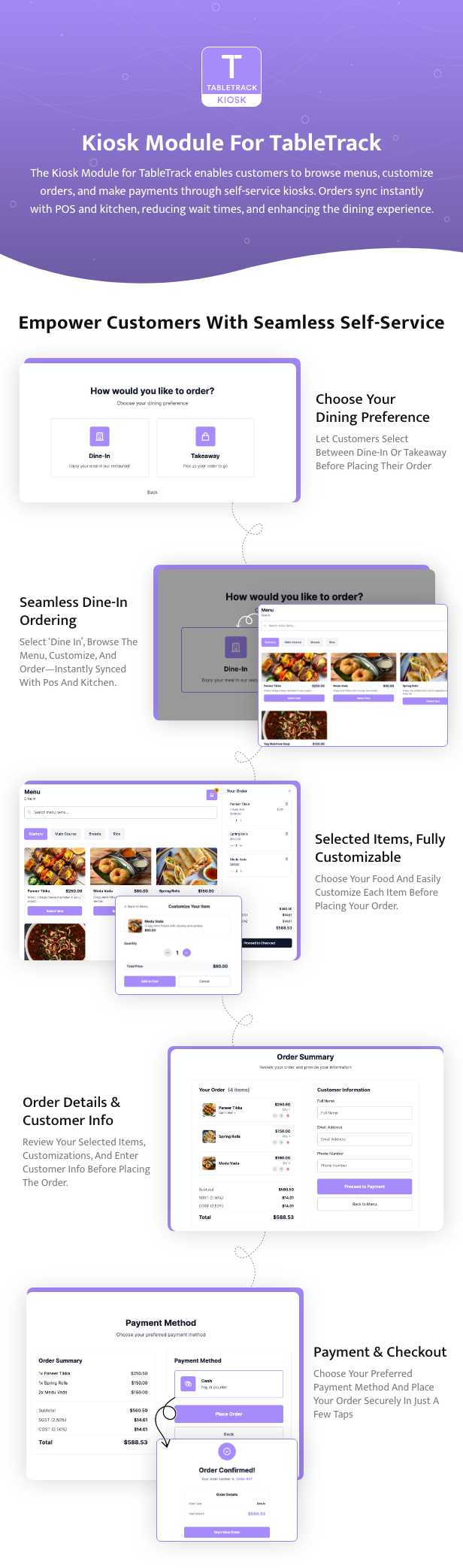
The Kiosk Module transforms Tabletrack into a self-service ordering system, allowing customers to place orders, customize items, and make payments independently. It is ideal for restaurants, cafes, and quick-service establishments looking to streamline operations, reduce wait times, and enhance the customer experience.


Kiosk Module – Self-Service Ordering for TableTrack


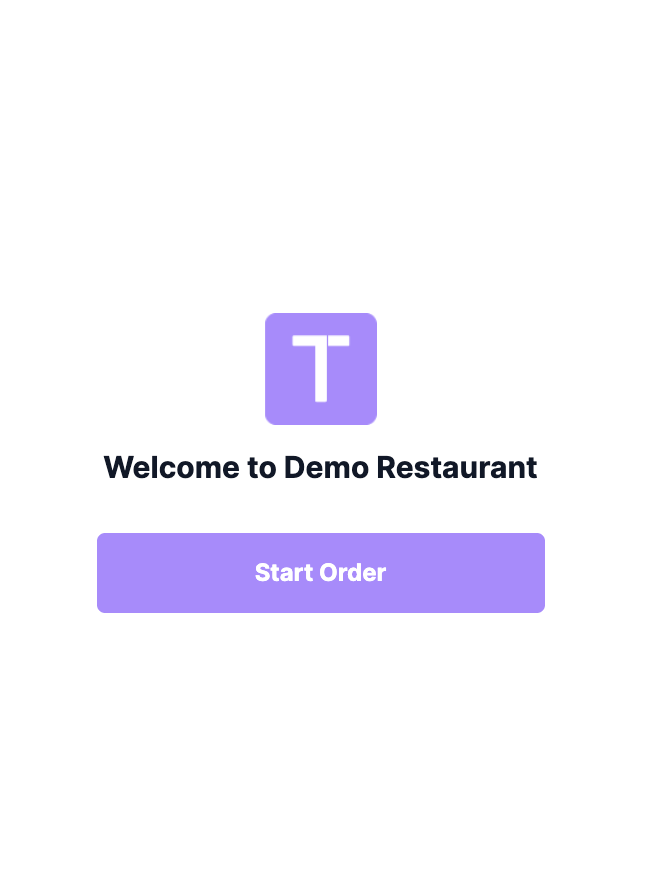
The Kiosk Module for TableTrack empowers restaurants to offer a seamless self-service ordering experience. Designed for quick-service, fast-casual, and high-volume venues, it enables customers to browse the menu, customize items, and place orders directly from a dedicated kiosk device.


Note: The Kiosk Module is an add-on and requires a licensed installation of TableTrack version 1.2.44 or newer. It is not a standalone product.


Key Features


  1. Self-Service Ordering
    Customers can independently browse the menu, select items, customize orders, and submit them without staff assistance.
  2. Intuitive Touch UI
    Optimized for large touchscreens with a clean, distraction-free interface and fast navigation.
  3. Real-Time Menu Sync
    Menu, pricing, and availability are always up-to-date, reflecting changes made in the TableTrack admin panel.
  4. Order Customization
    Supports item modifiers, add-ons, and special instructions, allowing guests to personalize their orders.
  5. Order Routing & KOT Printing
    Orders placed via the kiosk are routed to the correct kitchen and printer, fully integrated with TableTrack’s kitchen management and KOT system.


Technical Specifications


  • Built on Laravel + Livewire
  • Modern, responsive UI (Tailwind 3)
  • Works on any device with a modern browser (recommended: dedicated touchscreen terminals)


Ideal For


  • Quick-service and fast-casual restaurants
  • Food courts and self-ordering counters
  • Hotel lobbies and canteens
  • Any venue seeking to reduce wait times and streamline ordering


Requirements


  • TableTrack base application (latest version)
  • Order and POS modules must be installed and active


Setup


Setting up the Kiosk Module is straightforward and requires no coding. Follow the included documentation or contact our support team for assistance. We offer help with installation and configuration upon request.
 

yseTqZzteqVgI1R_1767878442.png


Other Addons:

kgJRoJDVRO9Sw7A_1770400940.jpg


HjUmMFn0zdXAoKI_1770400940.jpg


xftZd6pam1rn8cI_1770400941.jpg


c5SOYAAV2gr4exx_1770400941.jpg


Ve6EimUPHy0dBCH_1770400941.jpg


8FsQCt3nnzGsQh0_1770400941.jpg


Ou5PTuerivQzytO_1770400941.jpg


55oMhrab9v3GXlf_1770400941.webp


JPWbr74Gxtyz3zT_1770400941.webp


B2nwyWju26GoNwl_1770400941.webp


License Option
Free Free
Rs2,032.35 Rs10,012.35
Rs3,387.25 Rs16,687.25
Quality checked by CodeSmith
Full Documentation
Future updates
Contact us to extend your support

Last update:

Feb 07, 2026 07:50 AM

Version:

v1

Category:

High Resolution:

No

Software Version:

Files Included:

Software FrameWork:

Laravel

Published:

Jan 08, 2026 06:52 PM
Bytezilla's items

Similar items

We use cookies to personalize your experience. By continuing to visit this website you agree to our use of cookies

More