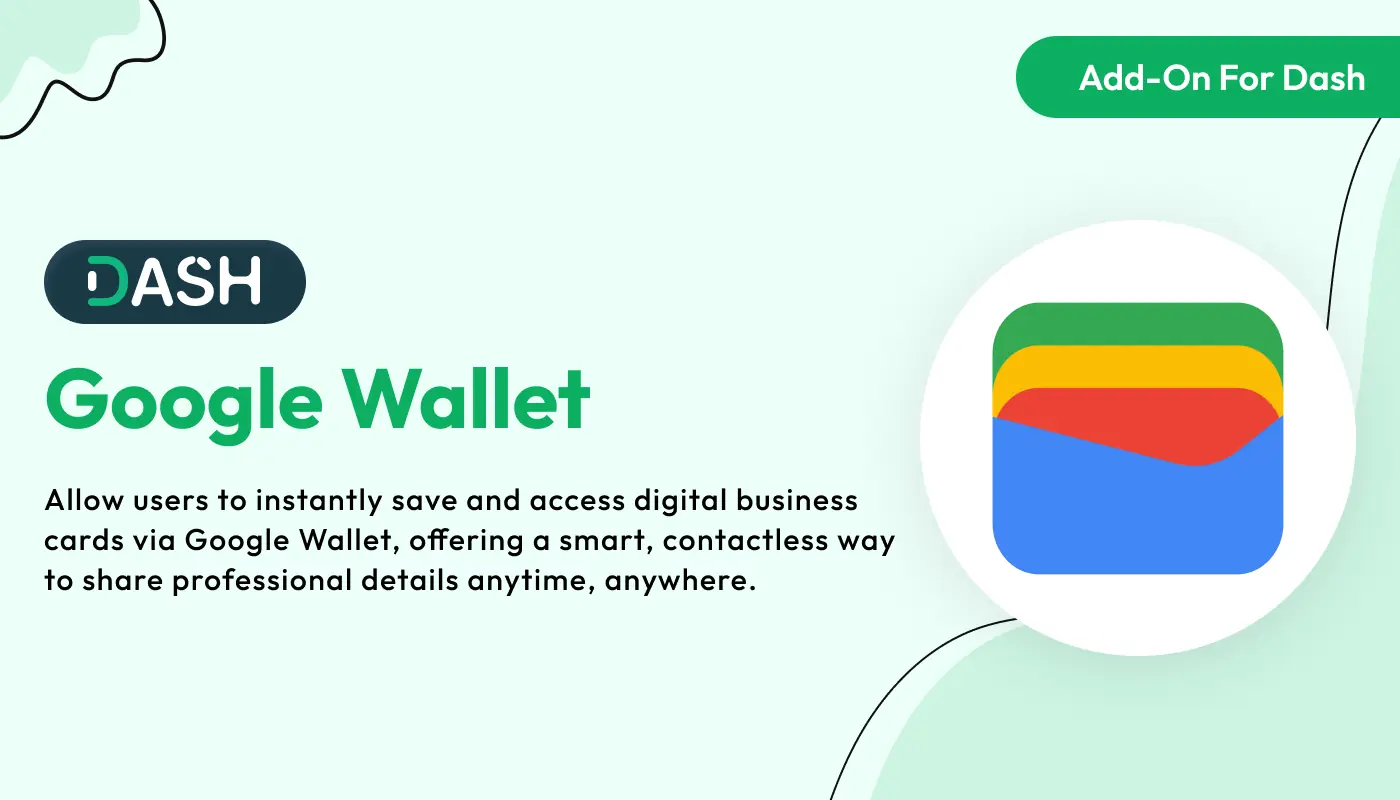
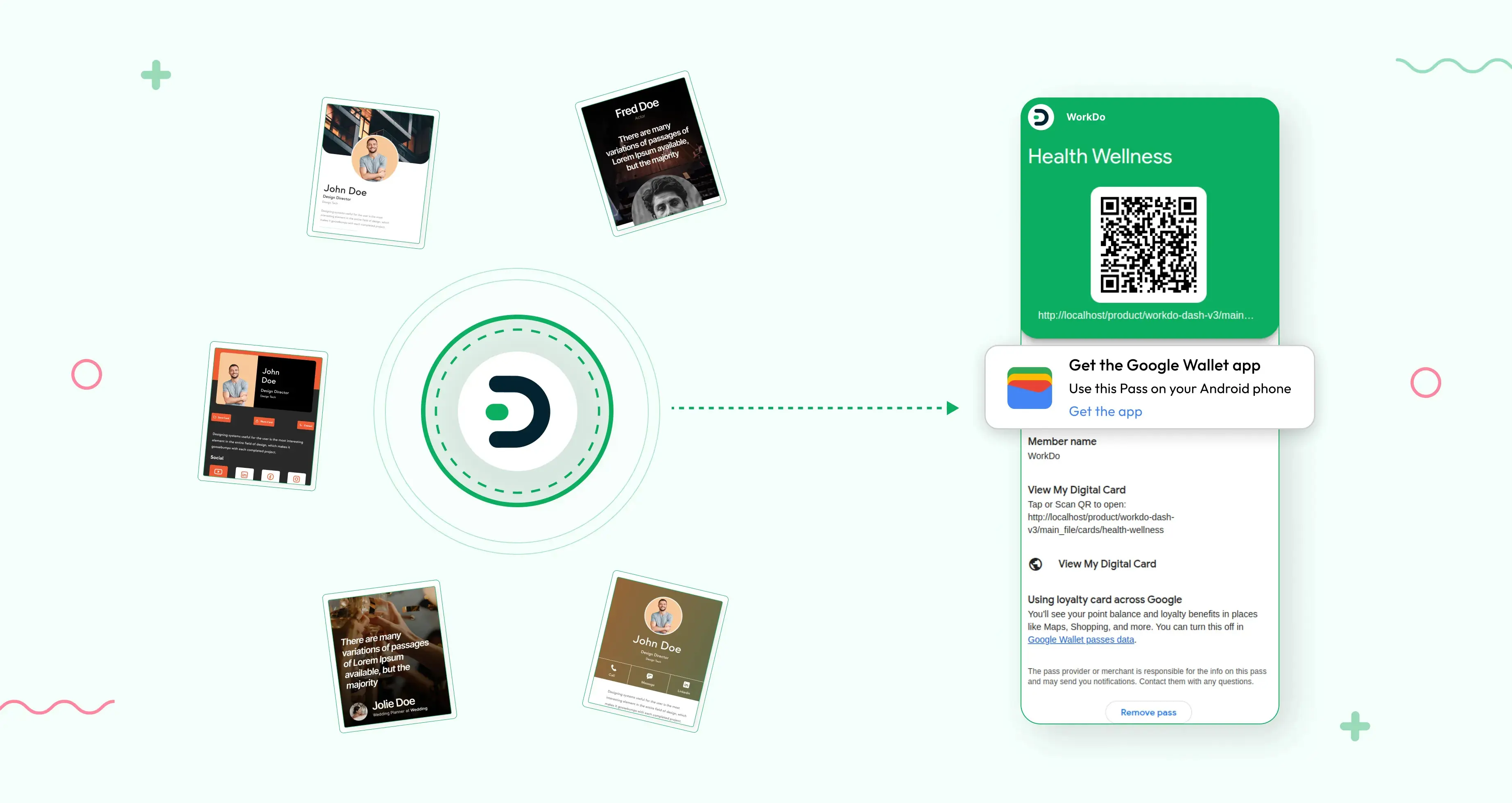
Google Wallet – Dash SaaS Add-On is a plugin/module for the WorkDo Dash SaaS system that integrates Google Wallet with your SaaS platform. It allows users to store and access digital business cards directly in Google Wallet from the Dash SaaS system.
Note: This is an addon for WorkDo Dash SaaS, not a standalone script.
WorkDo Dash SaaS - Open Source ERP with Multi-Workspace
Google Wallet integration allows you to store and access your digital business cards directly from the Google Wallet app. With this feature, you can securely save your vCard Add-On business cards on your mobile device, making them easily accessible anytime and anywhere. It simplifies sharing your contact information with others and ensures your digital cards are always available, even when you are offline. This integration provides a seamless way to manage and organize your business cards in one secure location.
Check here :- Google Wallet Integration Add-On | Simplify Payments with One-Tap Checkout
Business Card Integration with Google Wallet
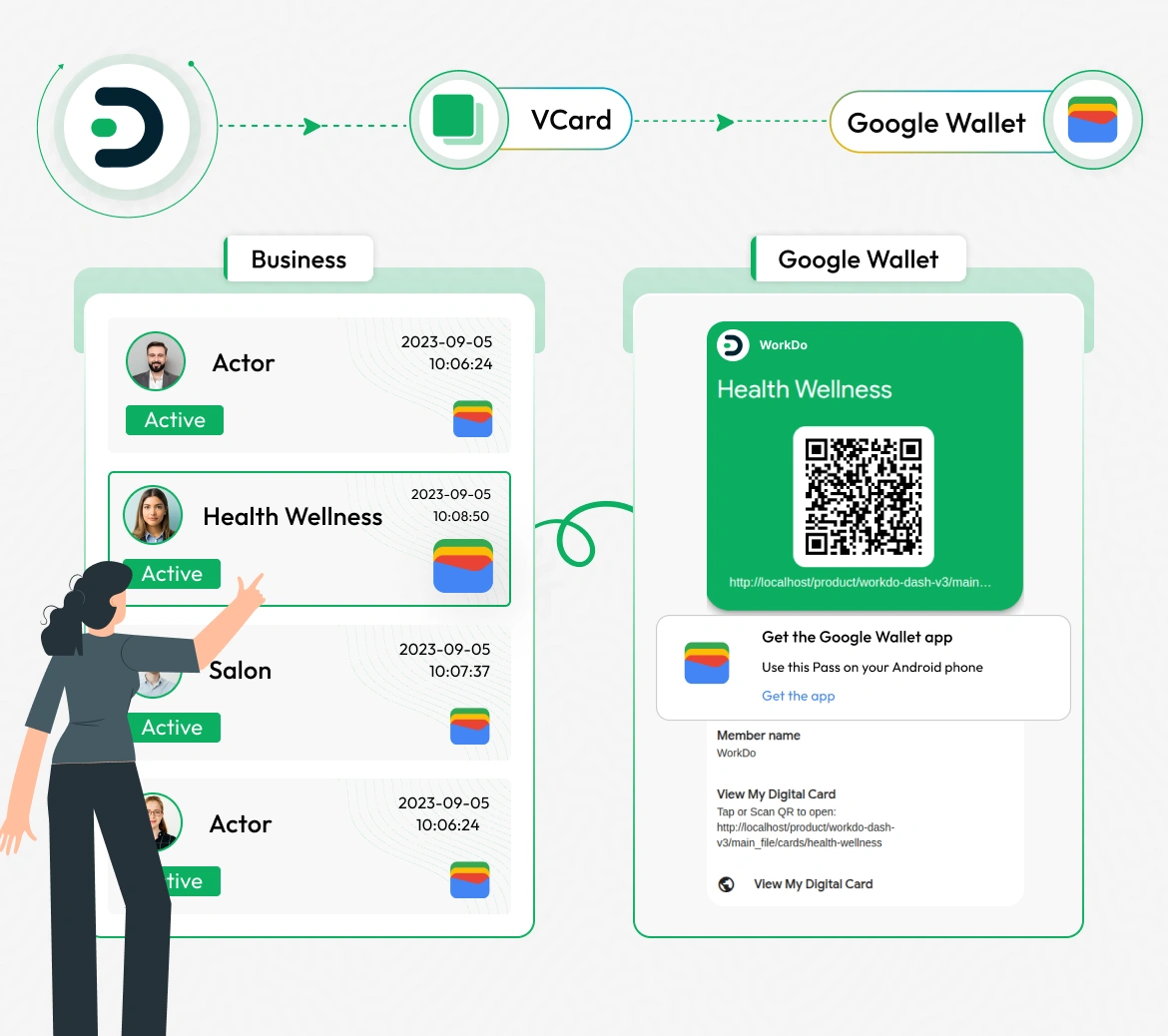
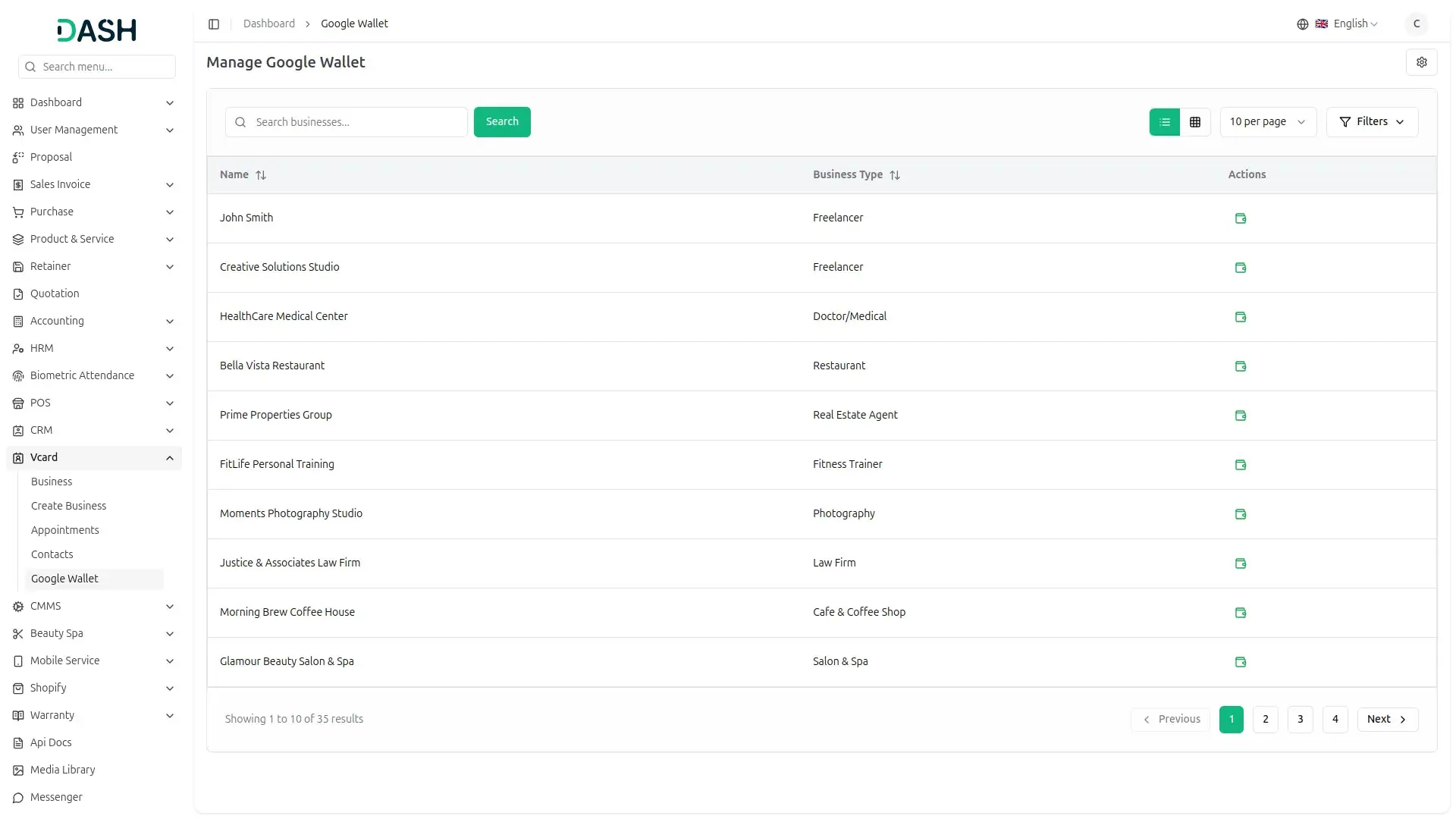
The Google Wallet integration provides all the essential features to manage your business cards with ease. All businesses created within the vCard Add-On will be displayed in a single list within the Google Wallet section. From here, you can simply click the Add to Google Wallet button to store any business card directly in the Google Wallet app. Once added, the card will be securely saved and easily accessible at any time, ensuring your digital business cards are always ready to view or share.
Google Wallet Settings Configuration
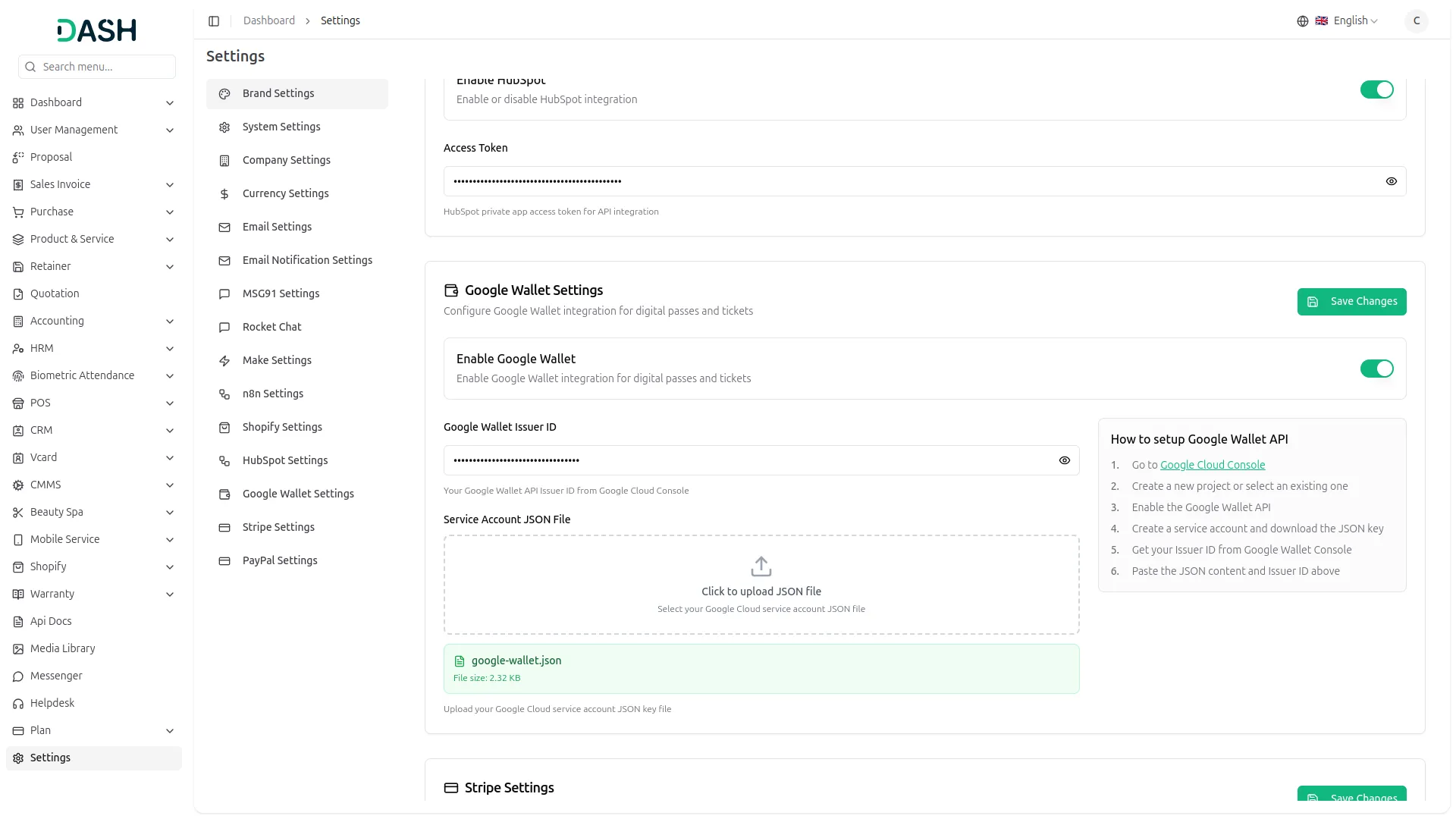
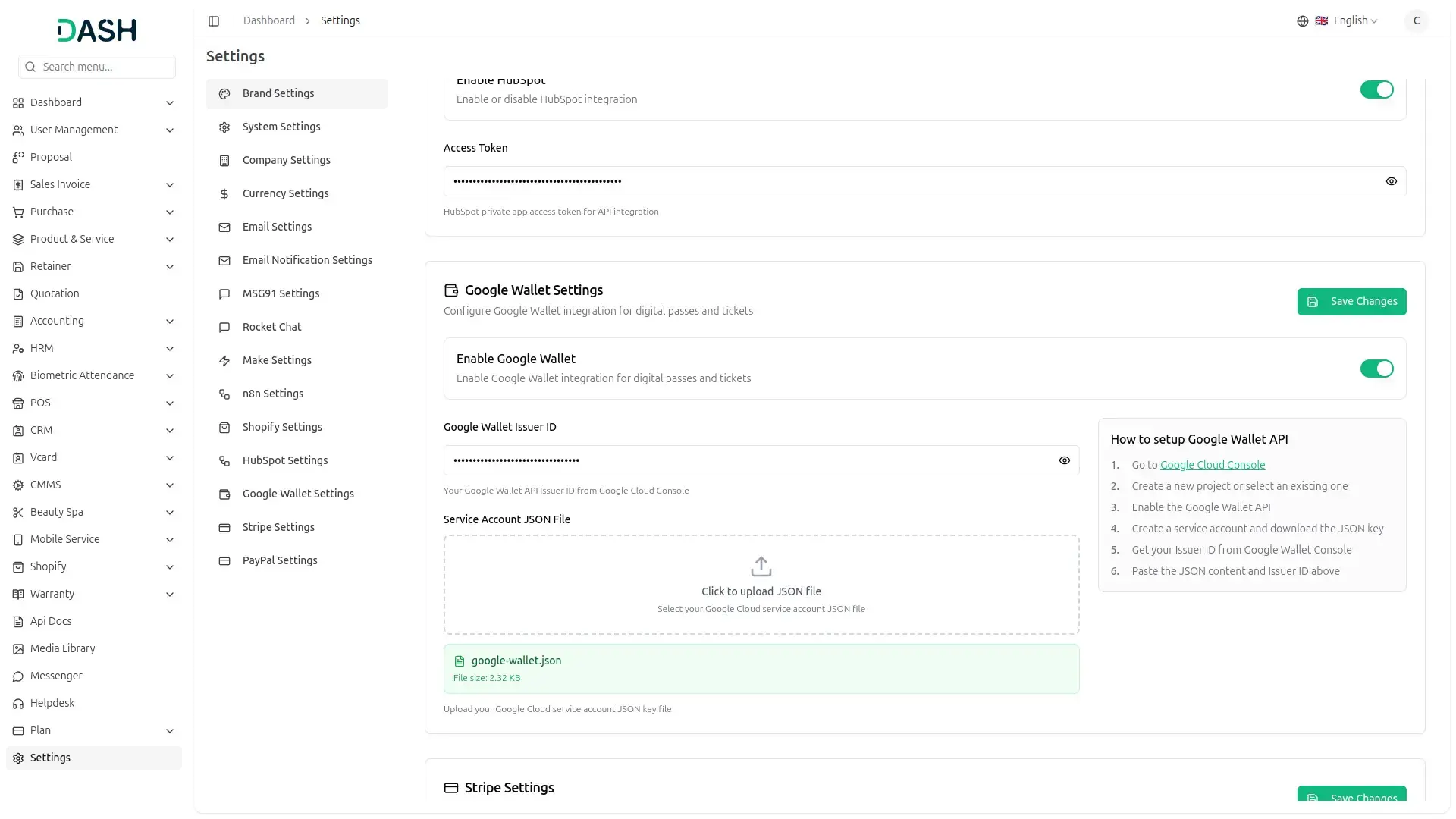
The Google Wallet Settings Configuration allows you to securely connect your account and enable seamless integration with Google Wallet services. To get started, go to the Settings and find Google Wallet Settings. Enter your Google Wallet Issuer ID and upload the Google Wallet JSON file to establish the connection. Once configured, you can easily access all features by searching for Google Wallet from the sidebar. Additionally, you can download the uploaded JSON file.
Google Wallet Integration
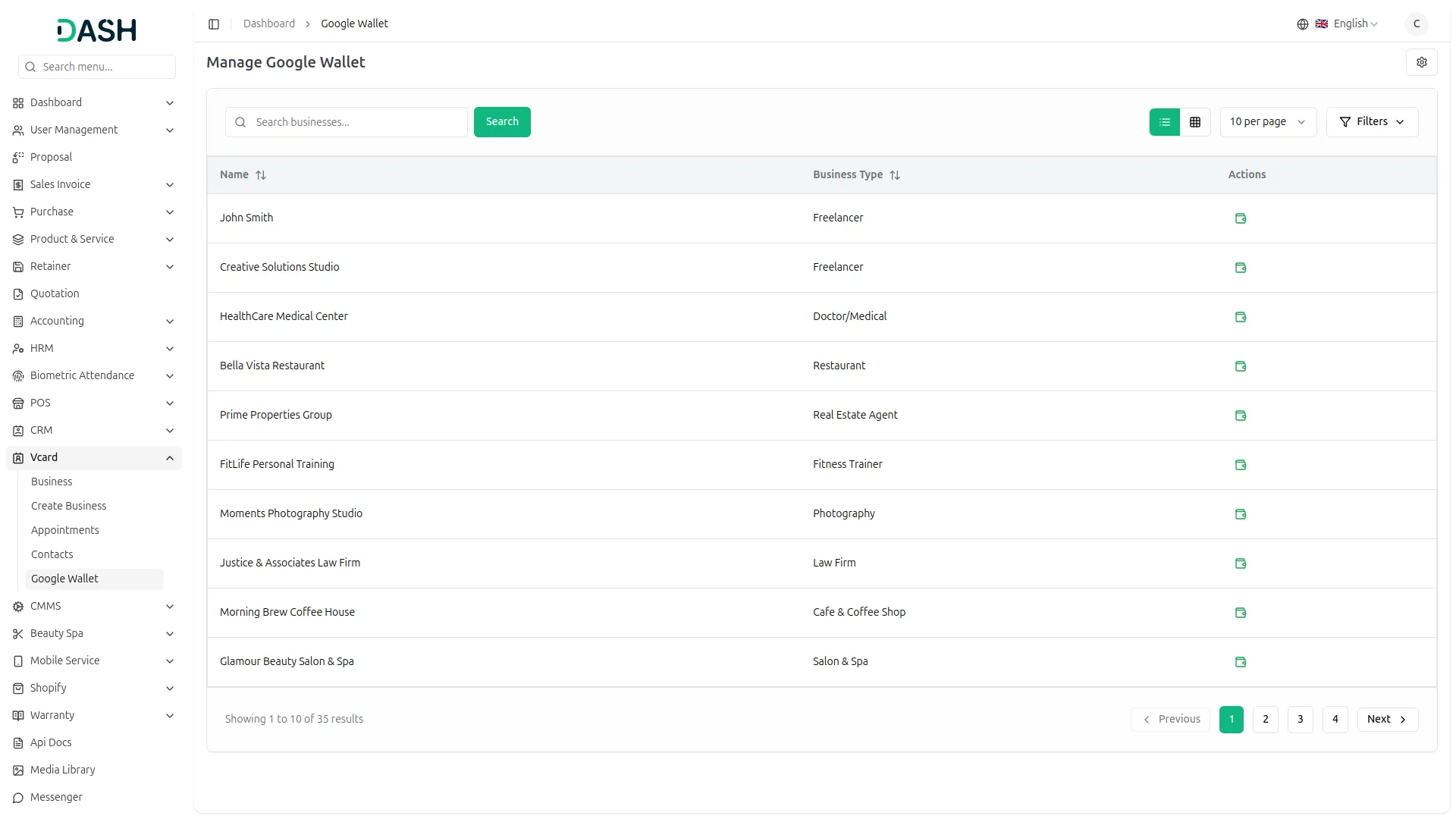
From the sidebar, open the Google Wallet section to view all businesses created within the vCard Add-On. A digital card will be generated for each business and displayed in the list. Select the desired business card and click the Add to Google Wallet button to securely store it in your Google Wallet account. After the process is complete, the card will be instantly available in the Google Wallet app for easy access and sharing.
Manage Digital Card in Google Wallet
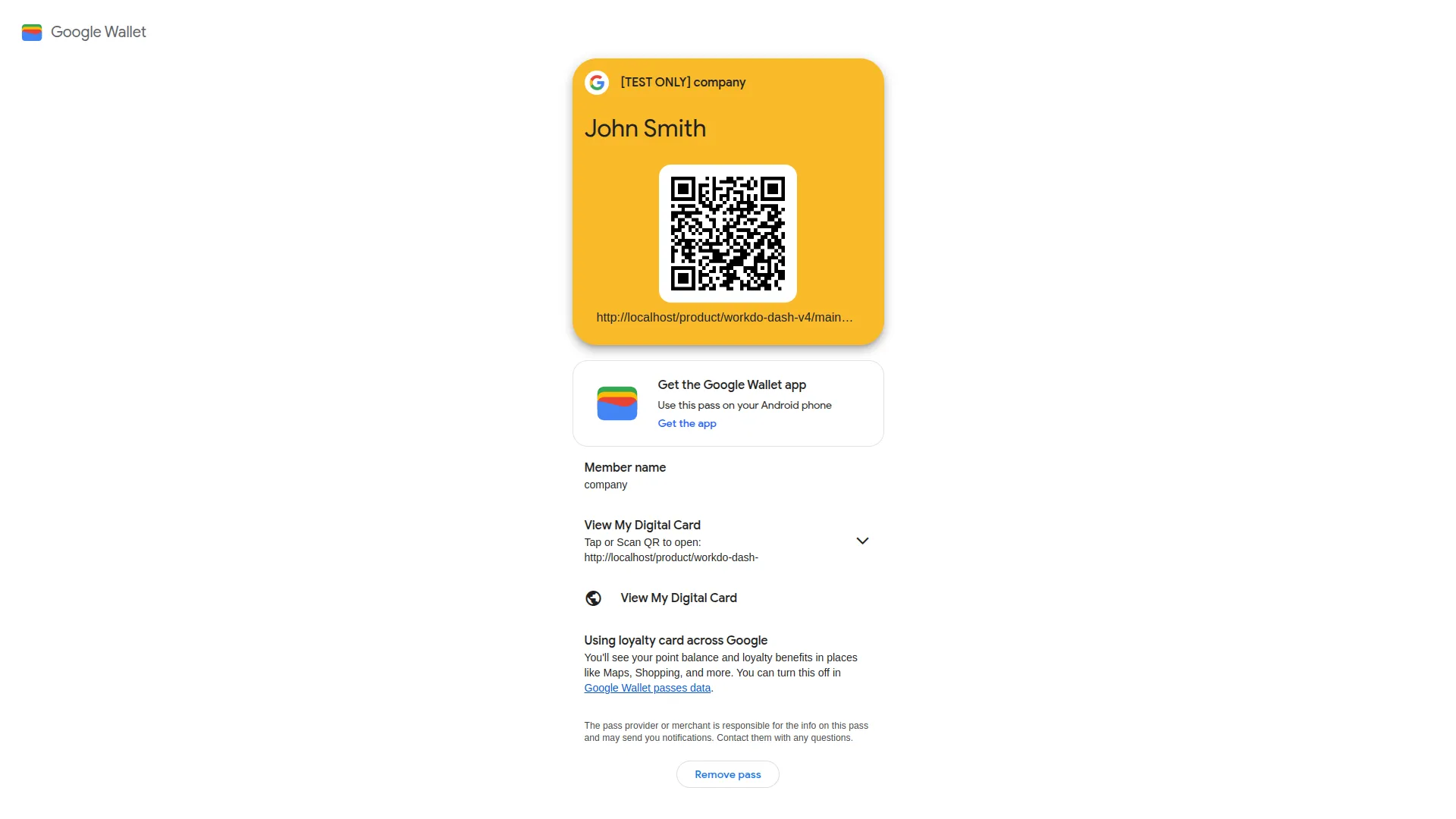
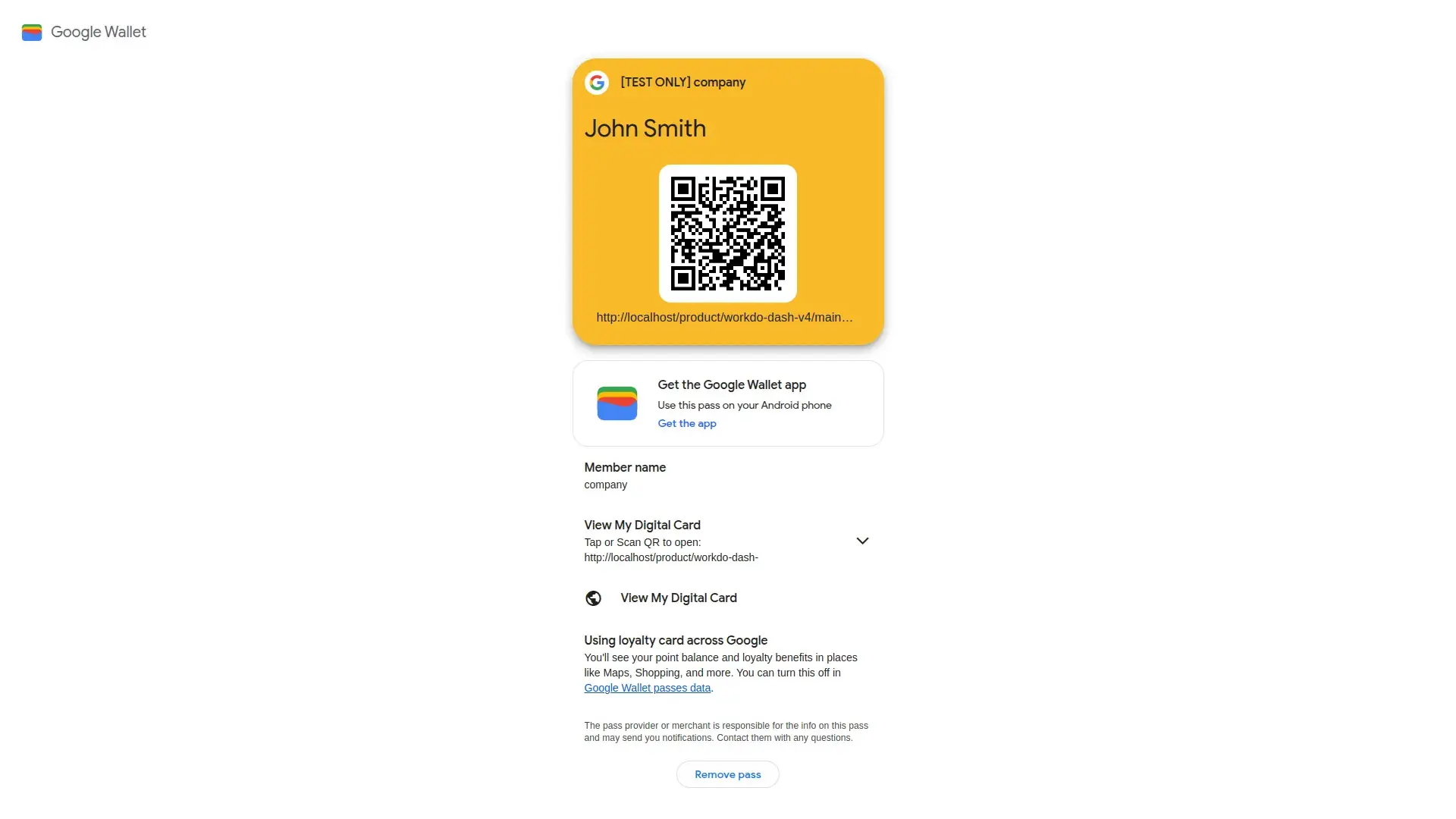
Once you add your business card to Google Wallet, it will be securely stored in the Google Wallet app. You can easily access it anytime by opening the app and selecting View My Digital Card. When you click this option, the card you previously added will be displayed in full detail, making it convenient to use or share whenever needed. You can also scan the QR code on the card for quick access. This ensures your business card is always available on your mobile device.
Check here :- Documentation
Last update:
Sep 21, 2026 11:10 AM
Version:
v1
Category:
High Resolution:
YesSoftware Version:
Files Included:
Software FrameWork:
LaravelTags:
Published:
Mar 05, 2026 06:48 PM