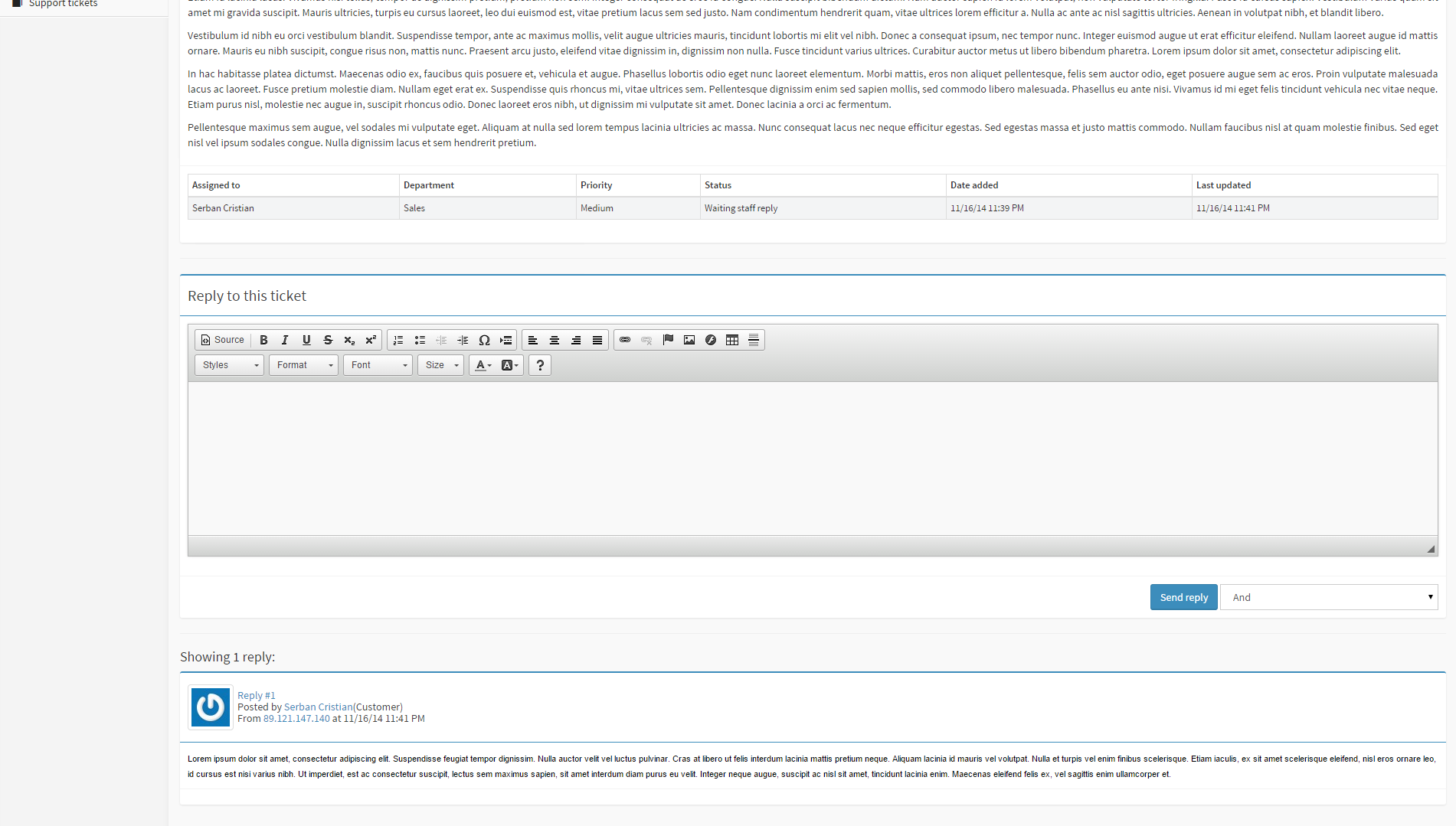
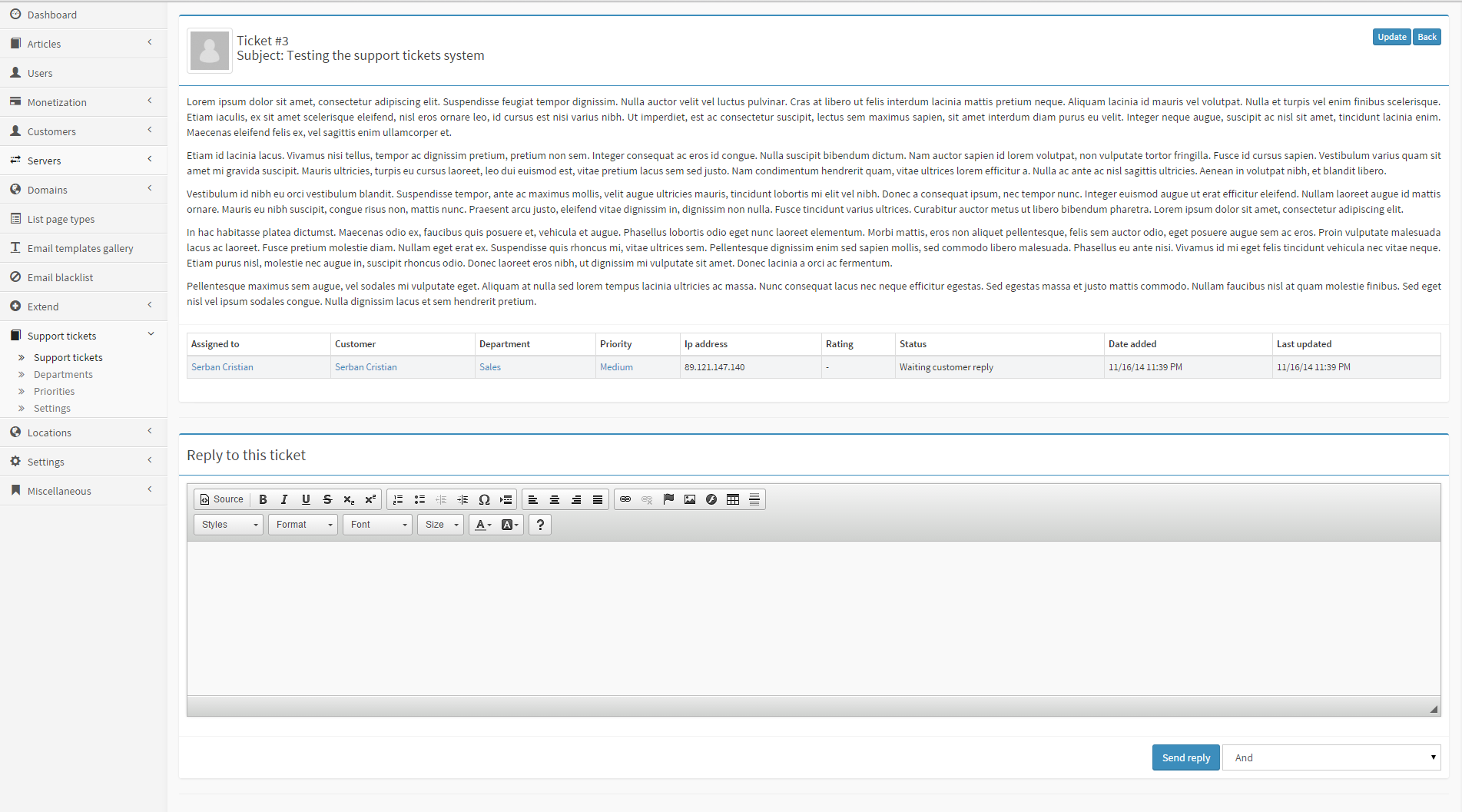
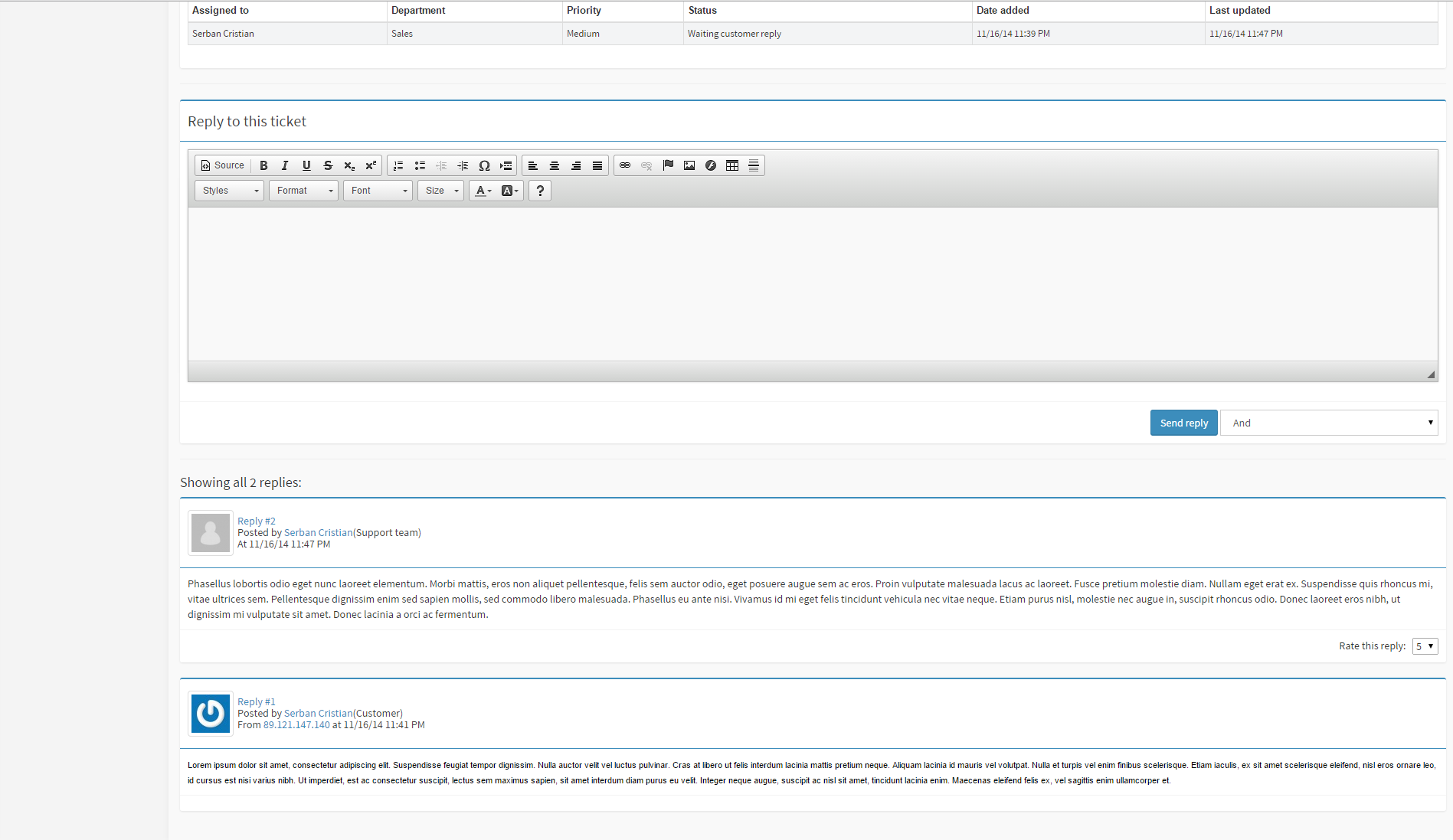
A Support Ticket System for MailWizz EMA is a customer support mechanism that enables MailWizz users (customers, resellers, or administrators) to submit, track, and manage support requests directly or indirectly from the MailWizz platform.
Since MailWizz EMA does not include a native ticketing system, support ticket functionality is typically provided through integration with an external helpdesk or via a custom-built MailWizz extension.
Support tickets system for MailWizz EMA
Important: This extension is compatible only with MailWizz 2.x.
If you are still using MailWizz 1.x, you can still purchase a license for this extension.
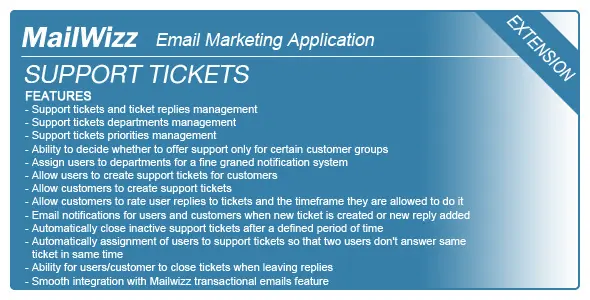
This extension adds a simple yet powerful support tickets system for your MailWizz EMA powered application!
FEATURES
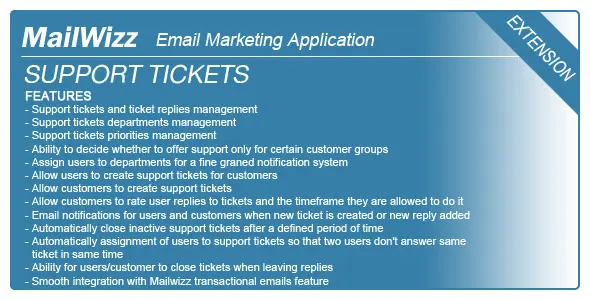
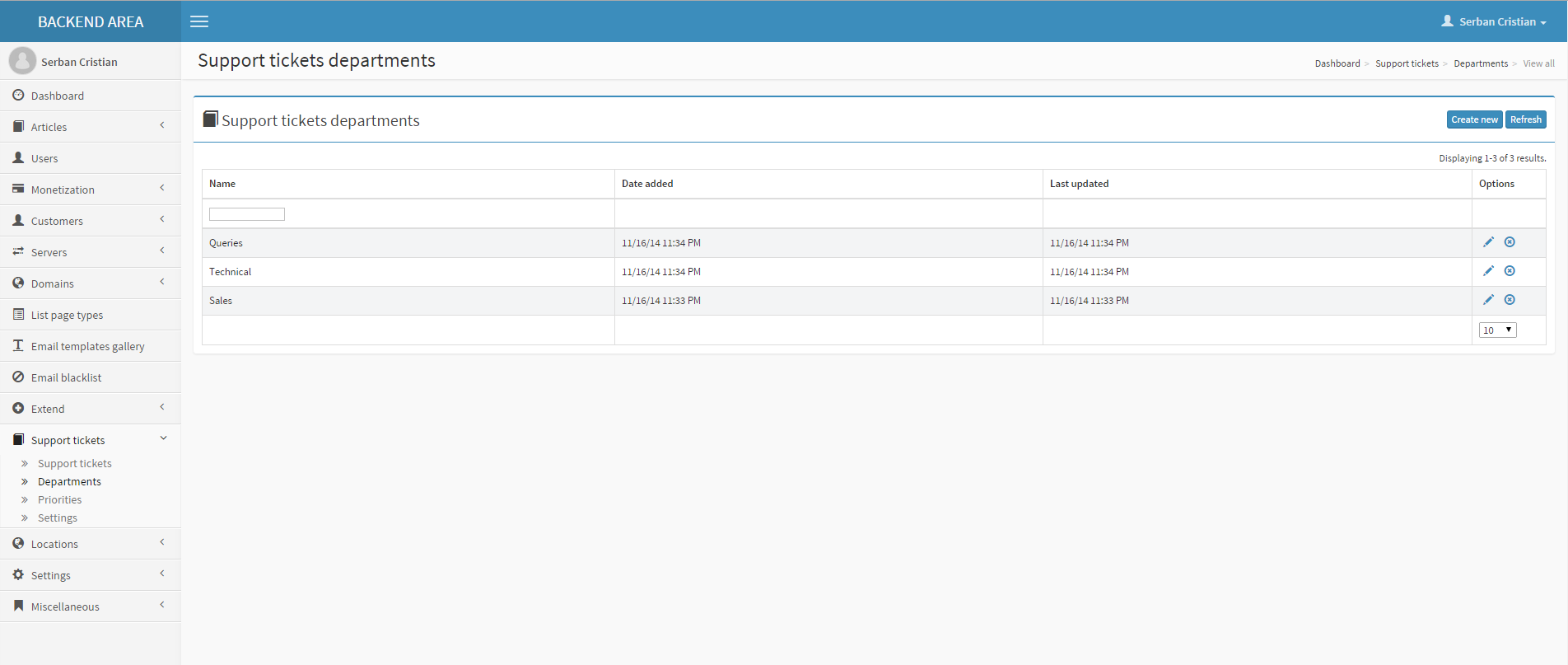
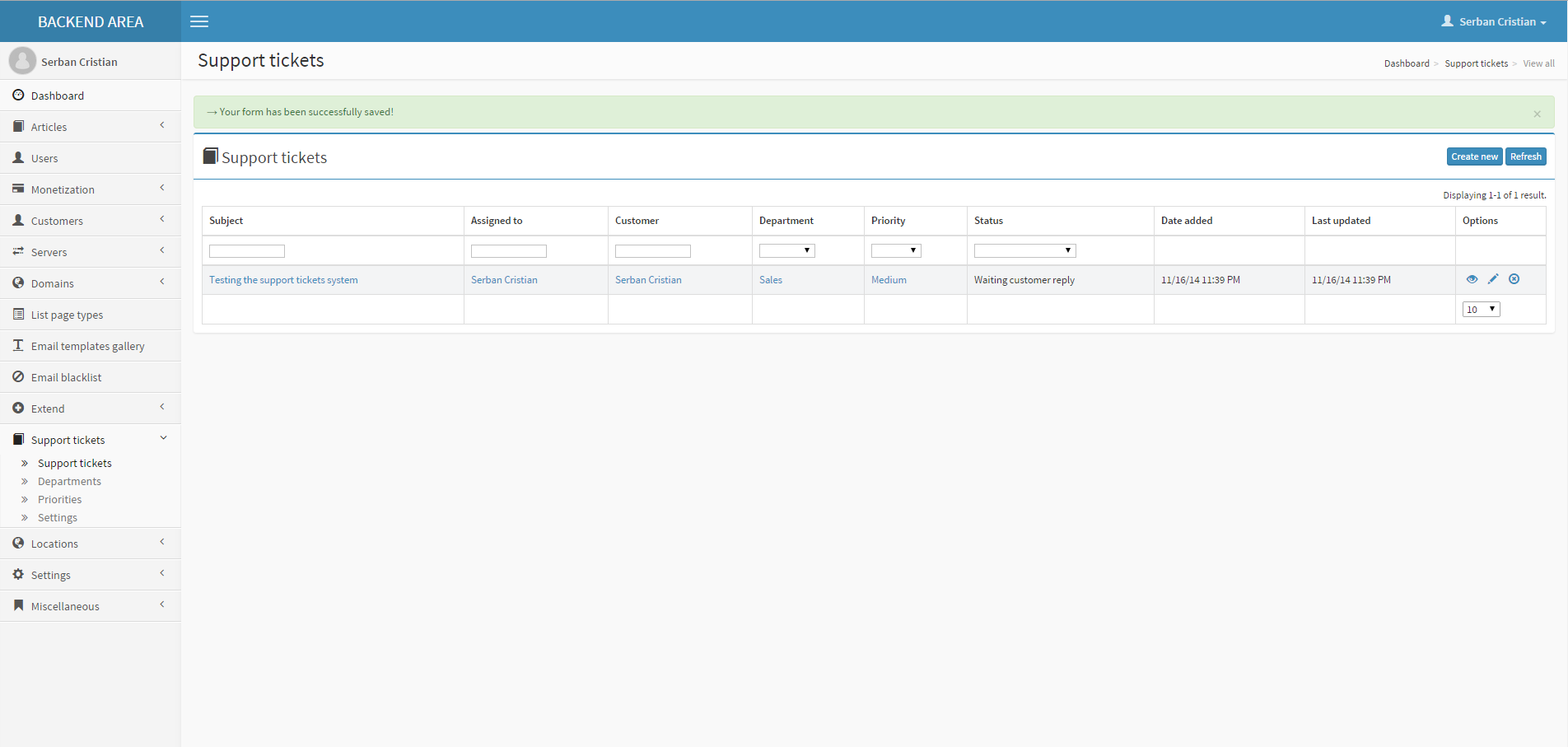
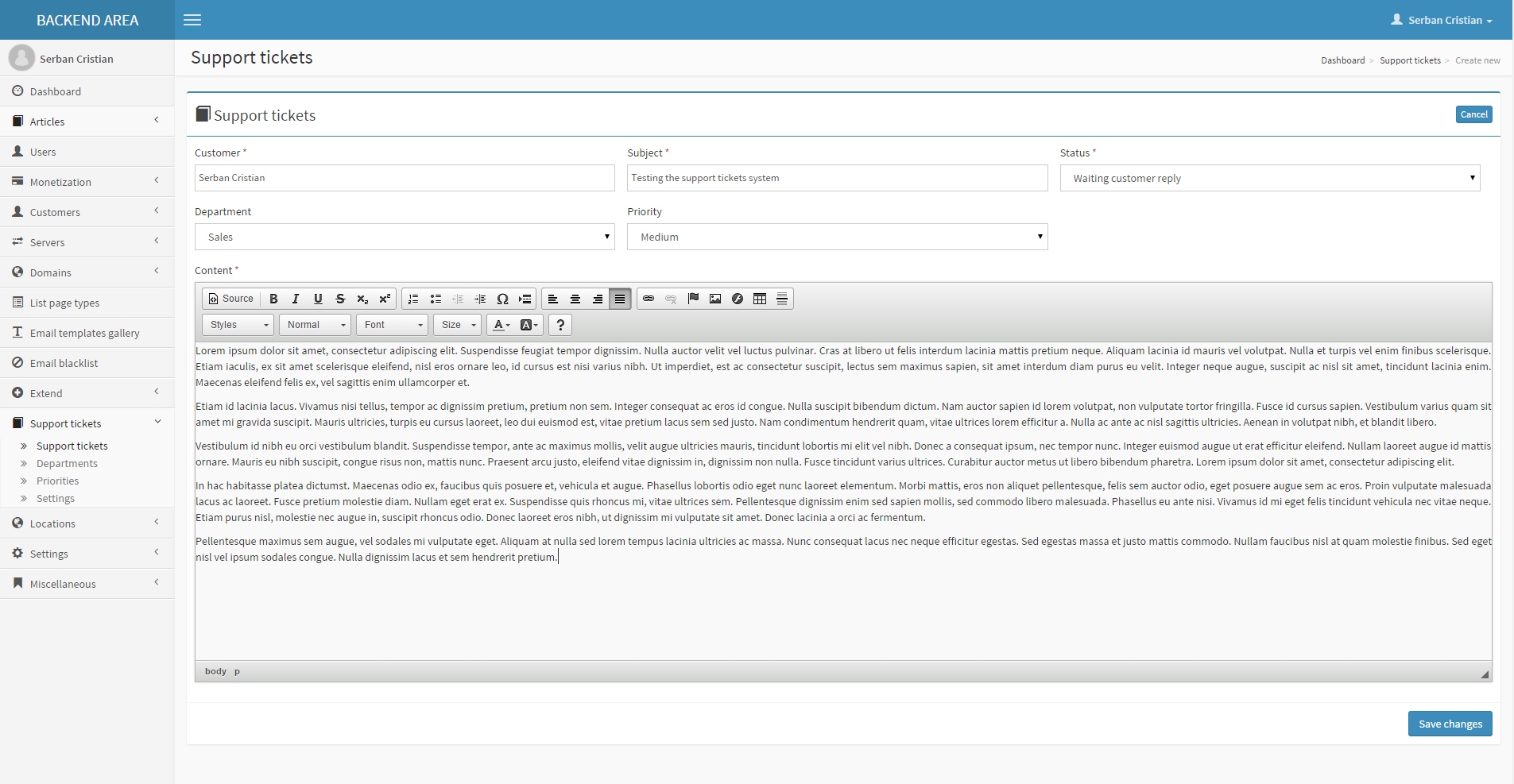
- Support tickets and ticket replies management - Support tickets departments management
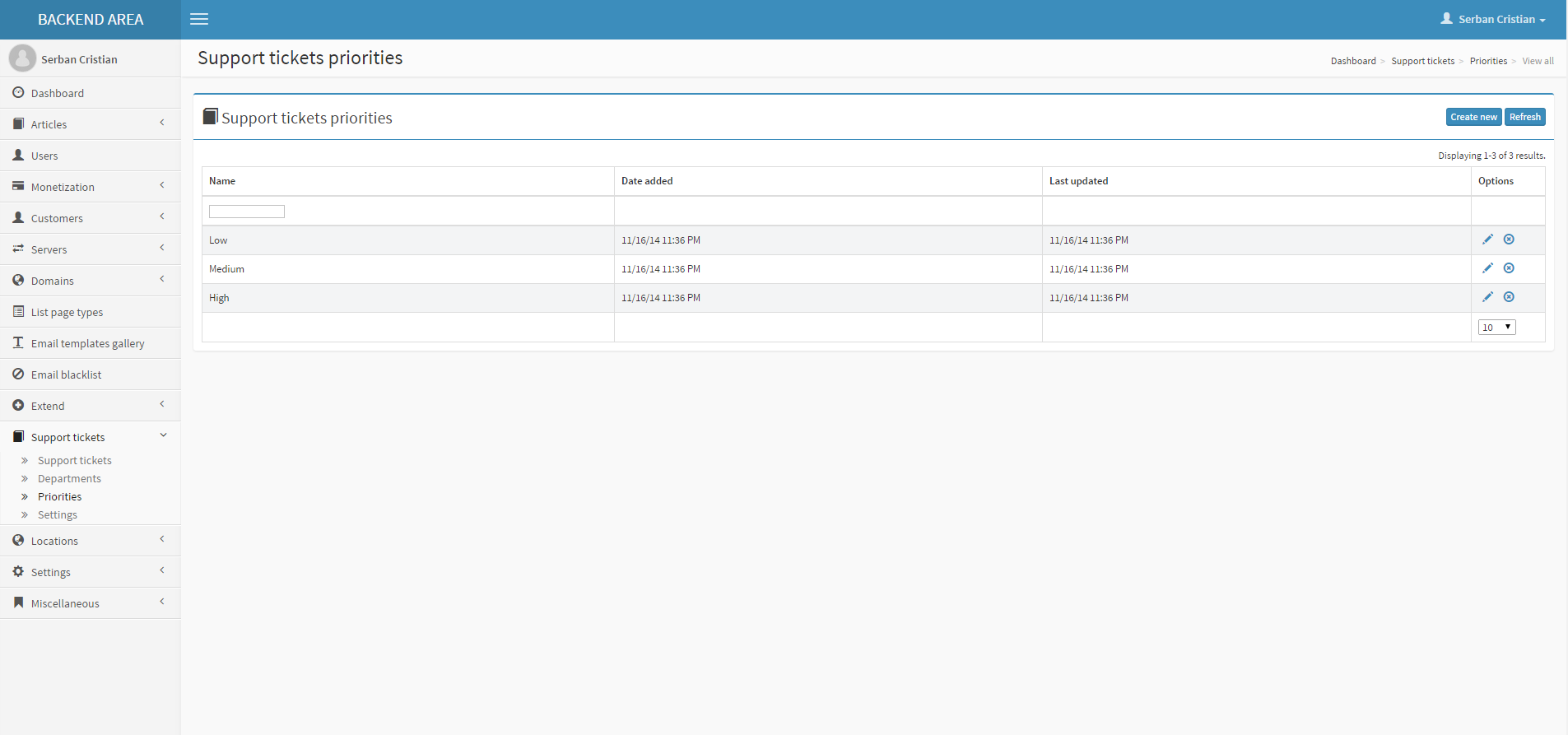
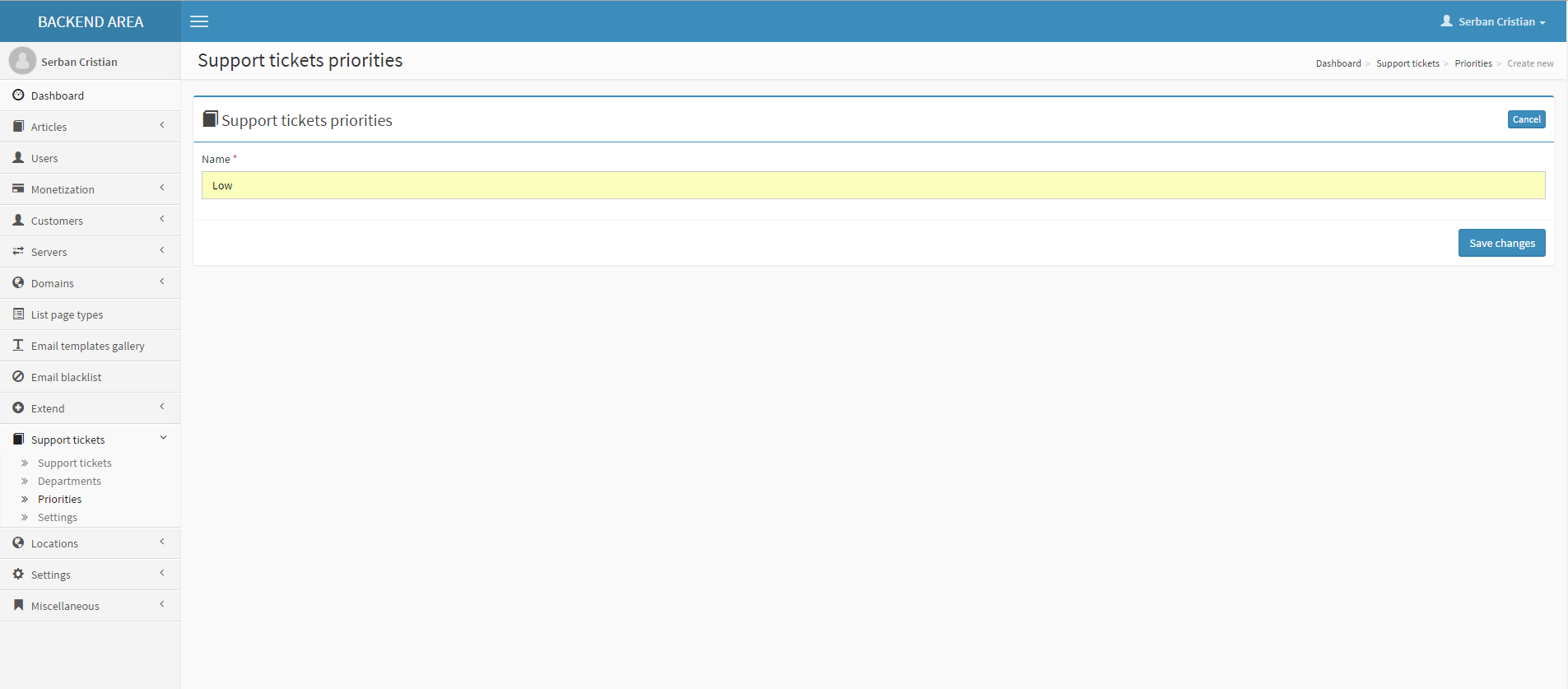
- Support tickets priorities management
- Ability to decide whether to offer support only for certain customer groups
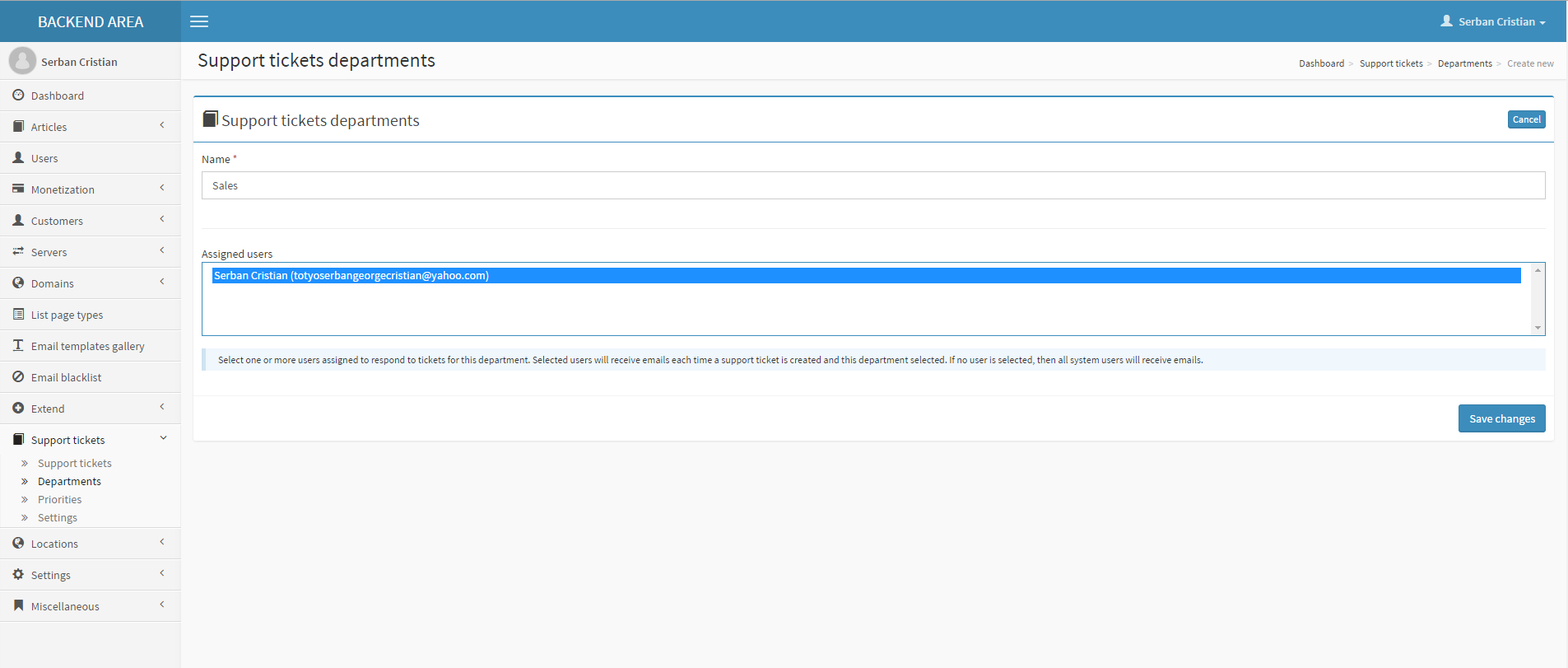
- Assign users to departments for a fine graned notification system
- Allow users to create support tickets for customers
- Allow customers to create support tickets
- Allow customers to rate user replies to tickets and the timeframe they are allowed to do it
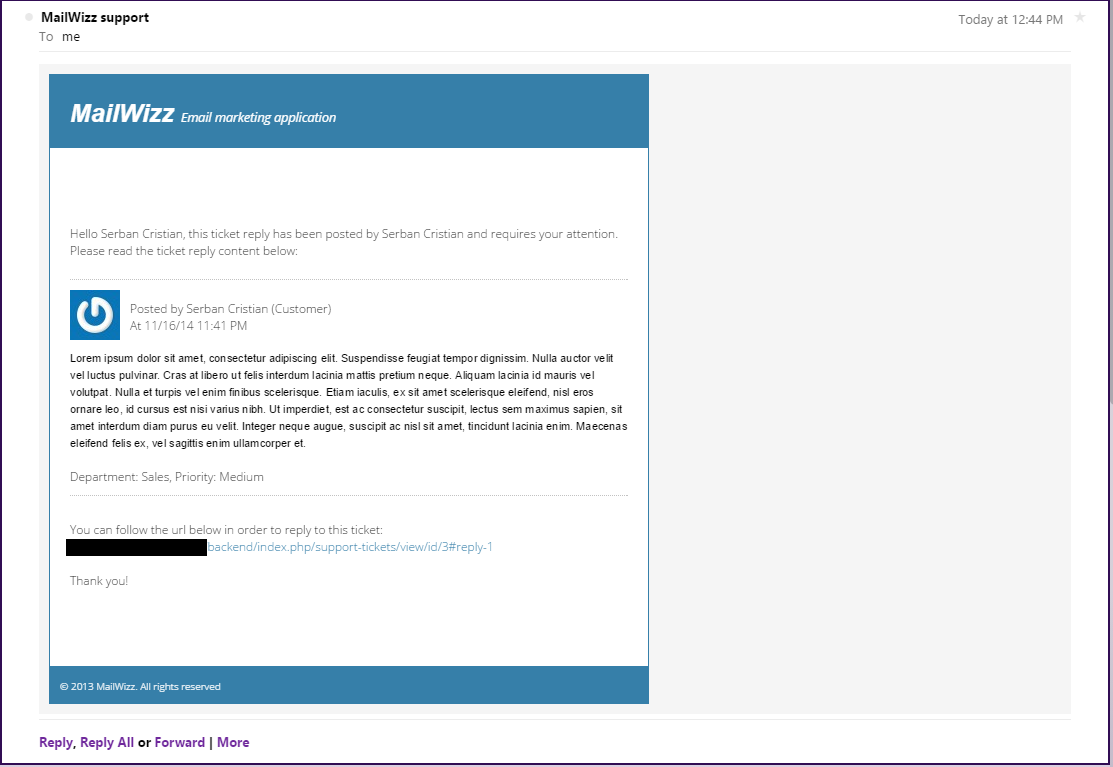
- Email notifications for users and customers when new ticket is created or new reply added
- Automatically close inactive support tickets after a defined period of time
- Automatically assignment of users to support tickets so that two users don’t answer same ticket in same time
- Ability for users/customer to close tickets when leaving replies
- Smooth integration with Mailwizz transactional emails feature
INSTALL in a few easy steps
- Login in the backend of your MailWizz EMA powered website and navigate to Extensions menu.
- Hit the upload button and select the extension archive and upload it.
- Enable the extension then click on it’s title to go to the extension page from where you can input your details.
CONFIGURE the extension (after the above steps)
After the extension is enabled, a new menu item will be shown in the left-side sidebar, that is “Support tickets”.
Clicking on the menu item followed by the Settings sub-menu will get you on the extension settings page.
REQUIREMENTS
Mailwizz EMA >= 1.3.4.5
Other Addons:
Last update:
Sep 21, 2026 10:00 AM
Version:
v1
Category:
High Resolution:
YesFiles Included:
Tags:
Published:
Jan 12, 2026 05:41 PM