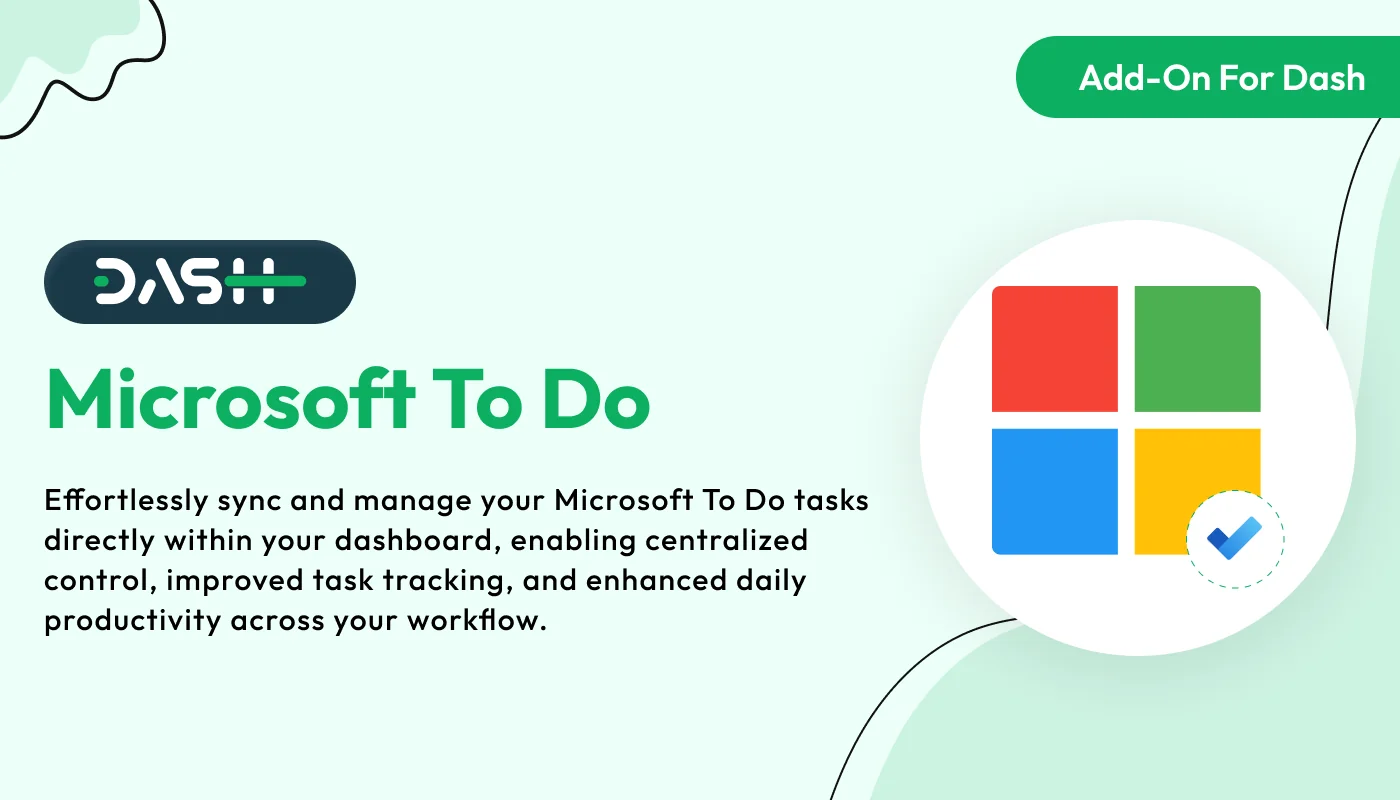
The Microsoft To Do – Dash SaaS Add-On is a module for the WorkDo Dash SaaS platform that connects your system with Microsoft To Do, allowing users to manage and synchronize tasks directly from the Dash dashboard.
Note: This is an addon for WorkDo Dash SaaS, not a standalone script.
WorkDo Dash SaaS - Open Source ERP with Multi-Workspace
This Add-On helps you manage tasks easily by connecting with Microsoft To Do using secure Azure integration. You can create and track tasks and organize them by priority and status. It supports grid and calendar views, sub-task tracking, and file attachments with safe access control, making your workflow smooth and efficient.
Check here : - Microsoft To Do Integration Add-On | Sync Tasks, Boost Focus & Stay Organized Effortlessly
Effortless Task Management with Microsoft To Do Integration
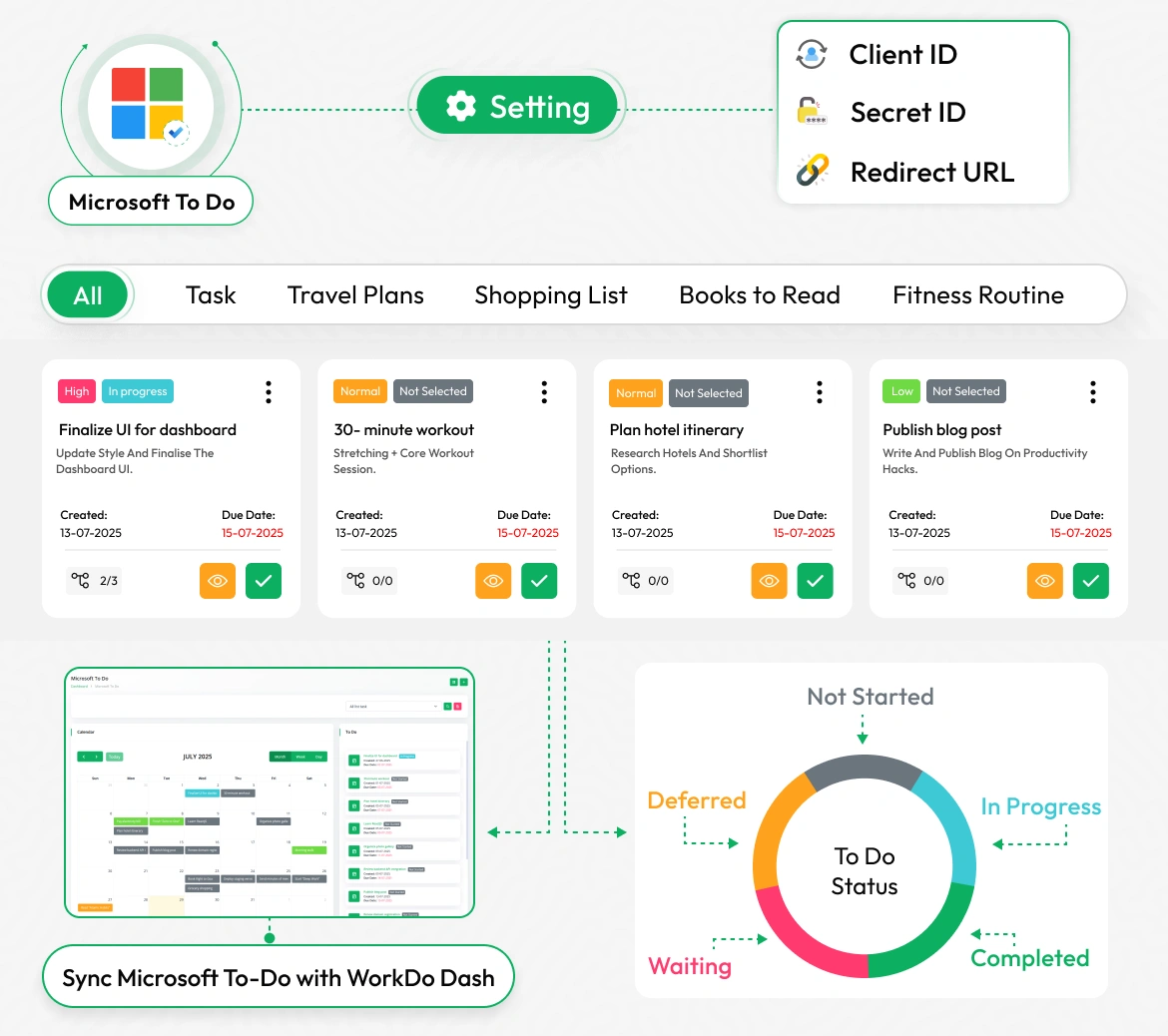
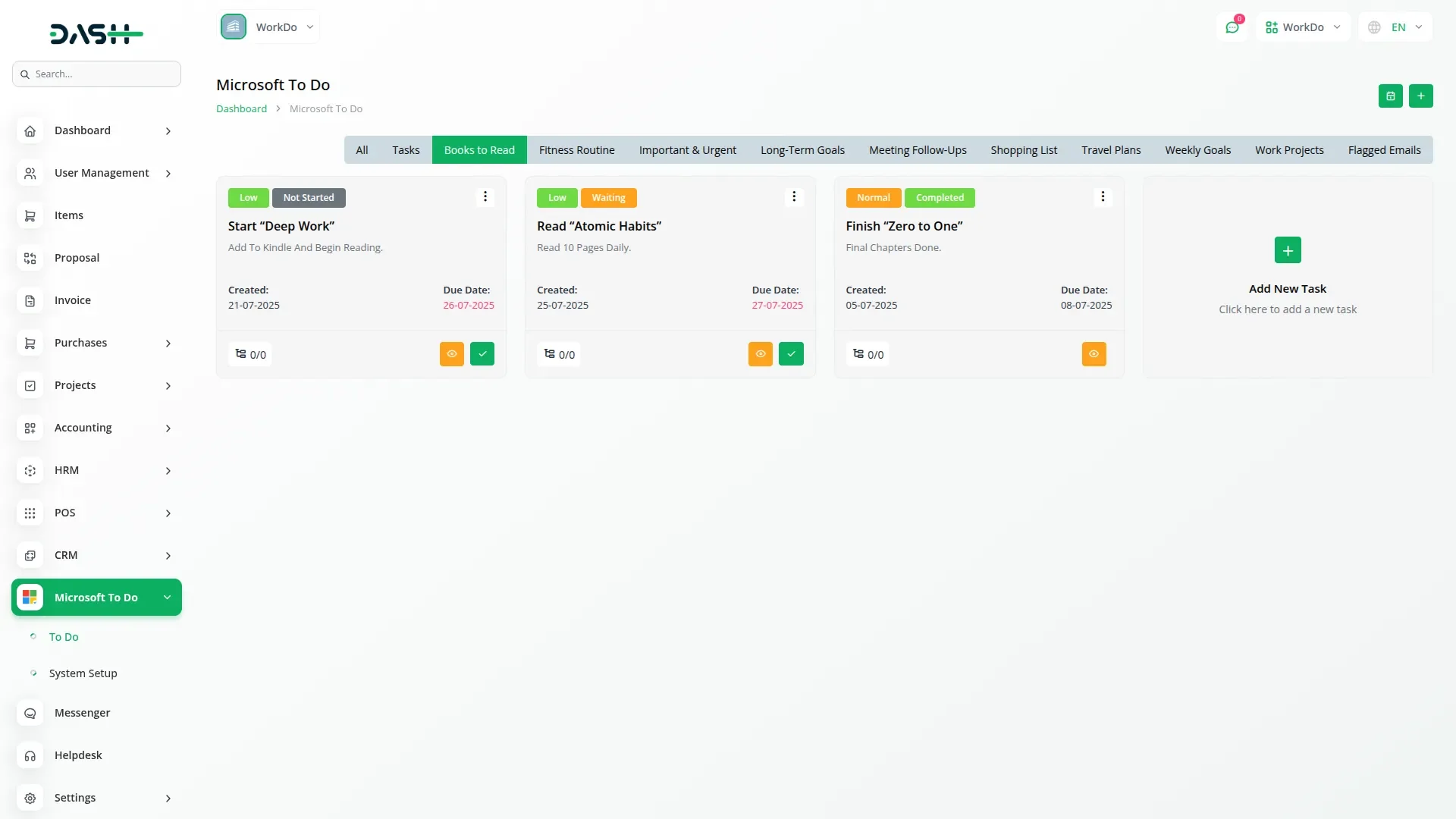
Effortlessly manage tasks across all areas of life, whether it's travel plans, shopping lists, books to read, or fitness routines, using seamless integration with Microsoft To Do. Organize tasks by category, set due dates, assign priorities, and track progress through clear status indicators like Not Started, In Progress, Completed, Deferred, or Waiting. Tasks can be filtered and viewed based on their context, helping users stay focused and productive. Integration setup is quick with required credentials like Client ID, Secret ID, and Redirect URL. Stay on top of deadlines and ensure nothing falls through the cracks by syncing all your to-dos directly with your dashboard.
Easy Microsoft Account Connection 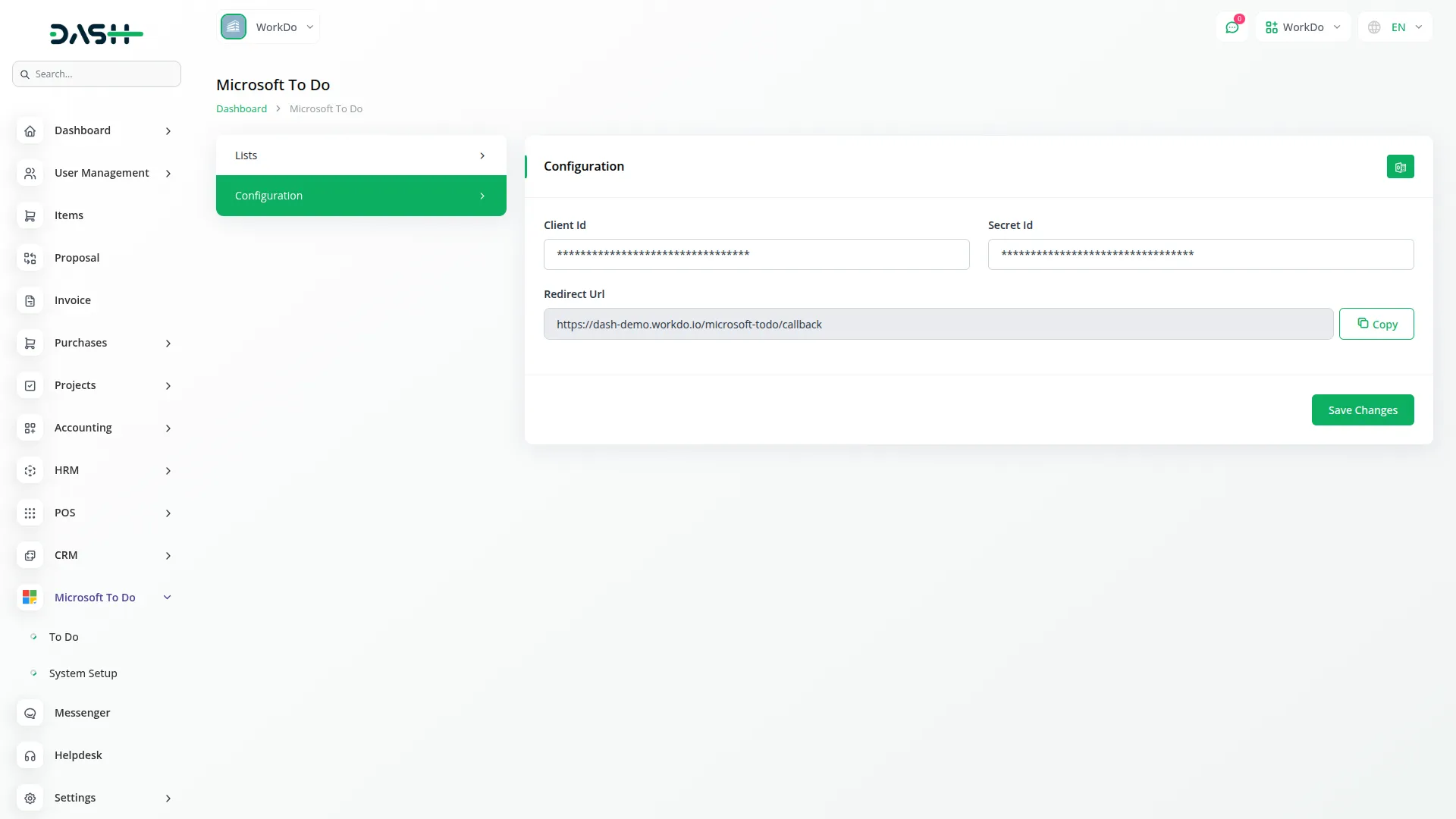
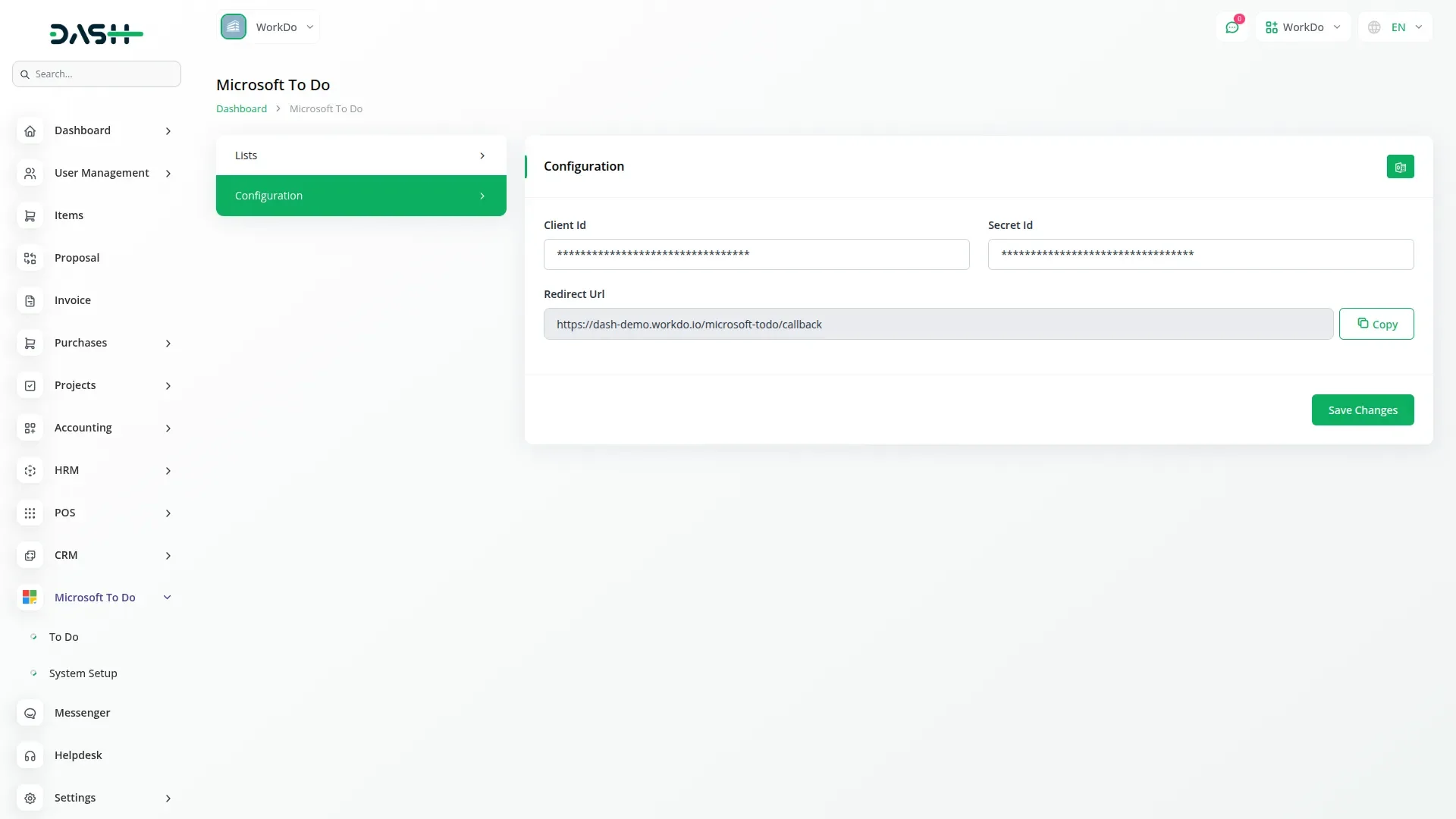
This Add-On helps you connect your application smoothly with Microsoft using Azure Portal Integration. You just need to enter your Microsoft To Do Client ID and Secret ID to make the setup work securely. Once credentials are saved, click the "Generate Token" button to sync your Microsoft account. Account connected, the system automatically creates tokens and keeps your Microsoft account linked without needing to log in every time. All your task data, user information, and lists stay updated across platforms.
Simple Task and List Management
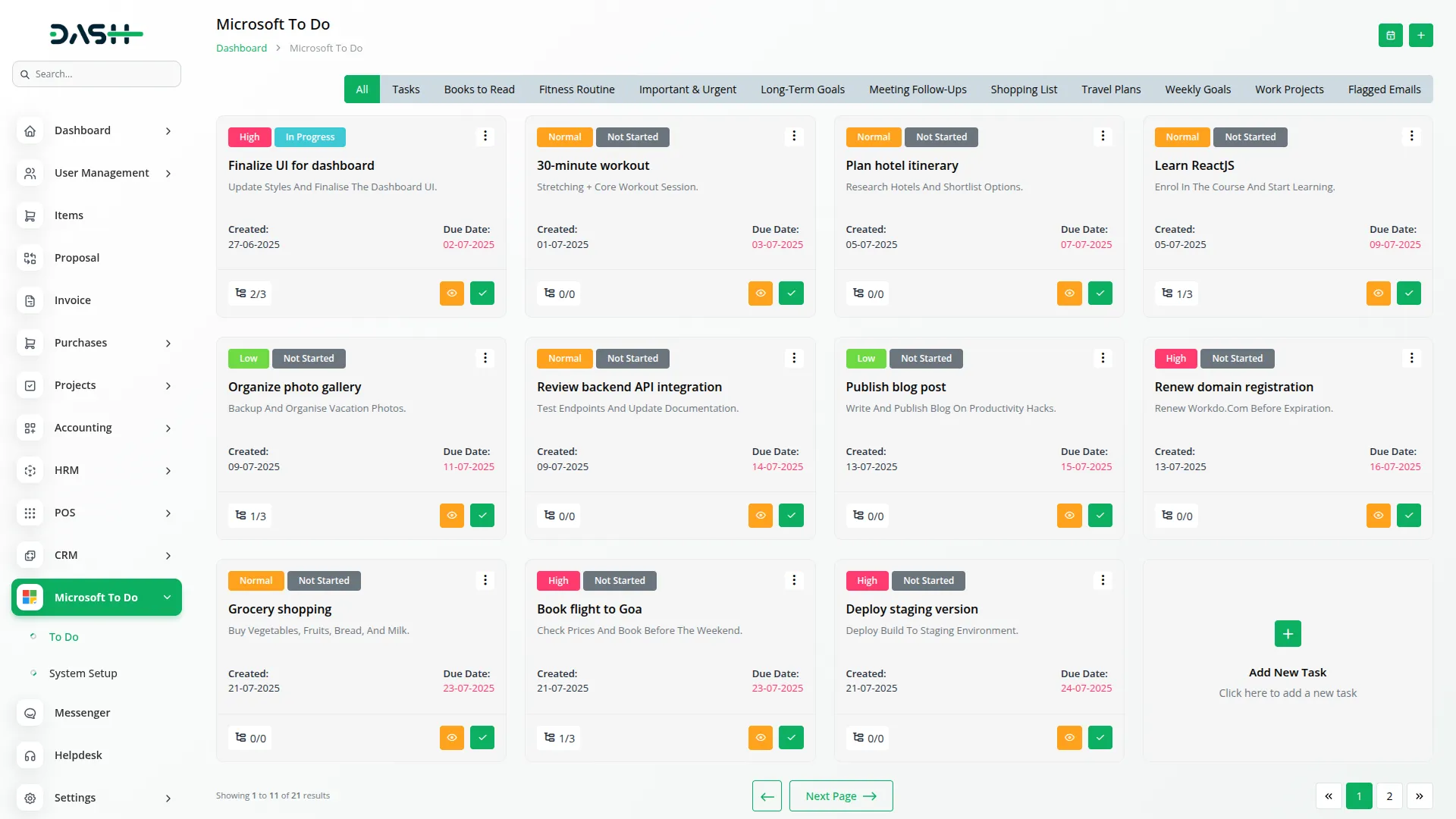
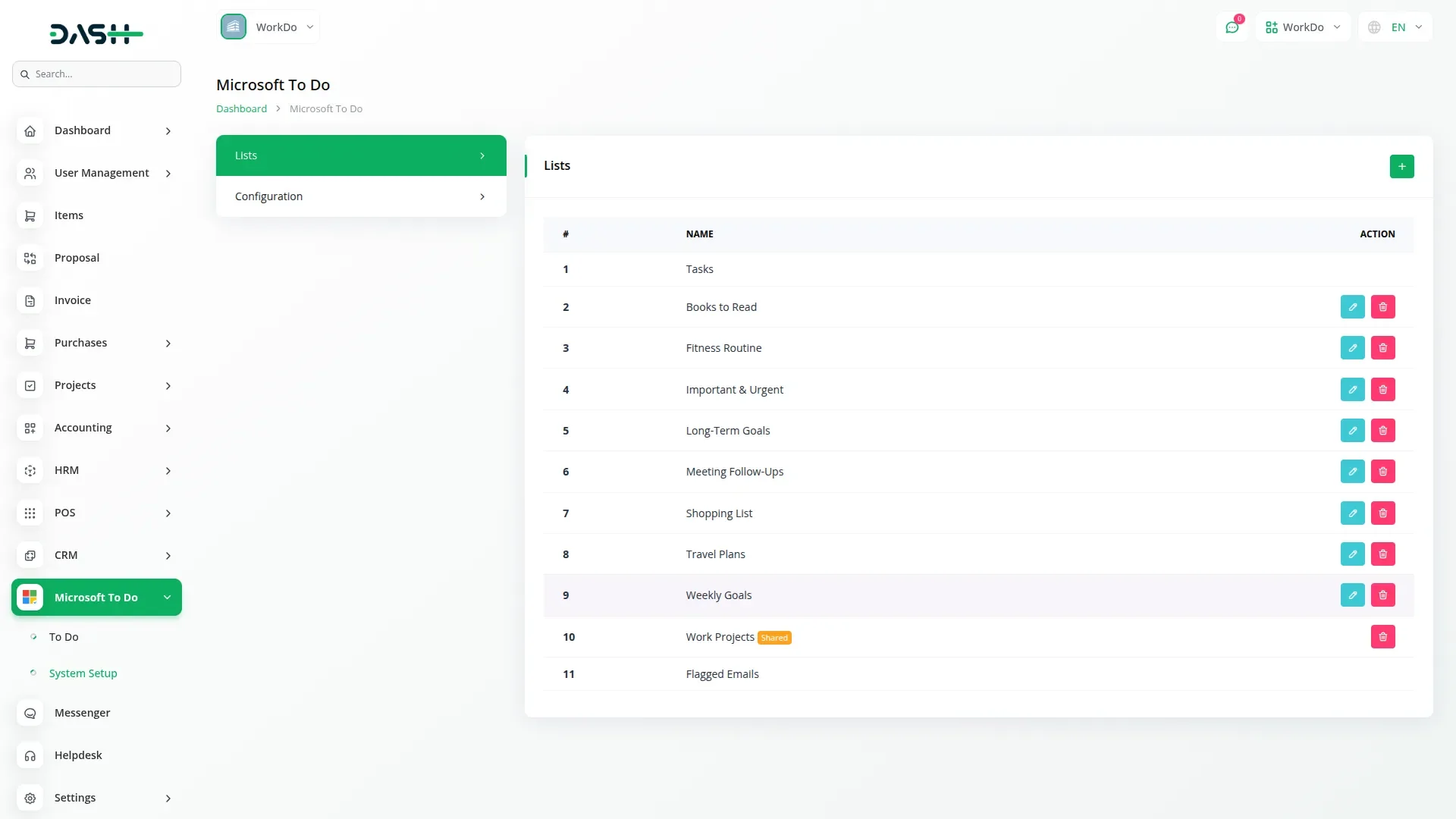
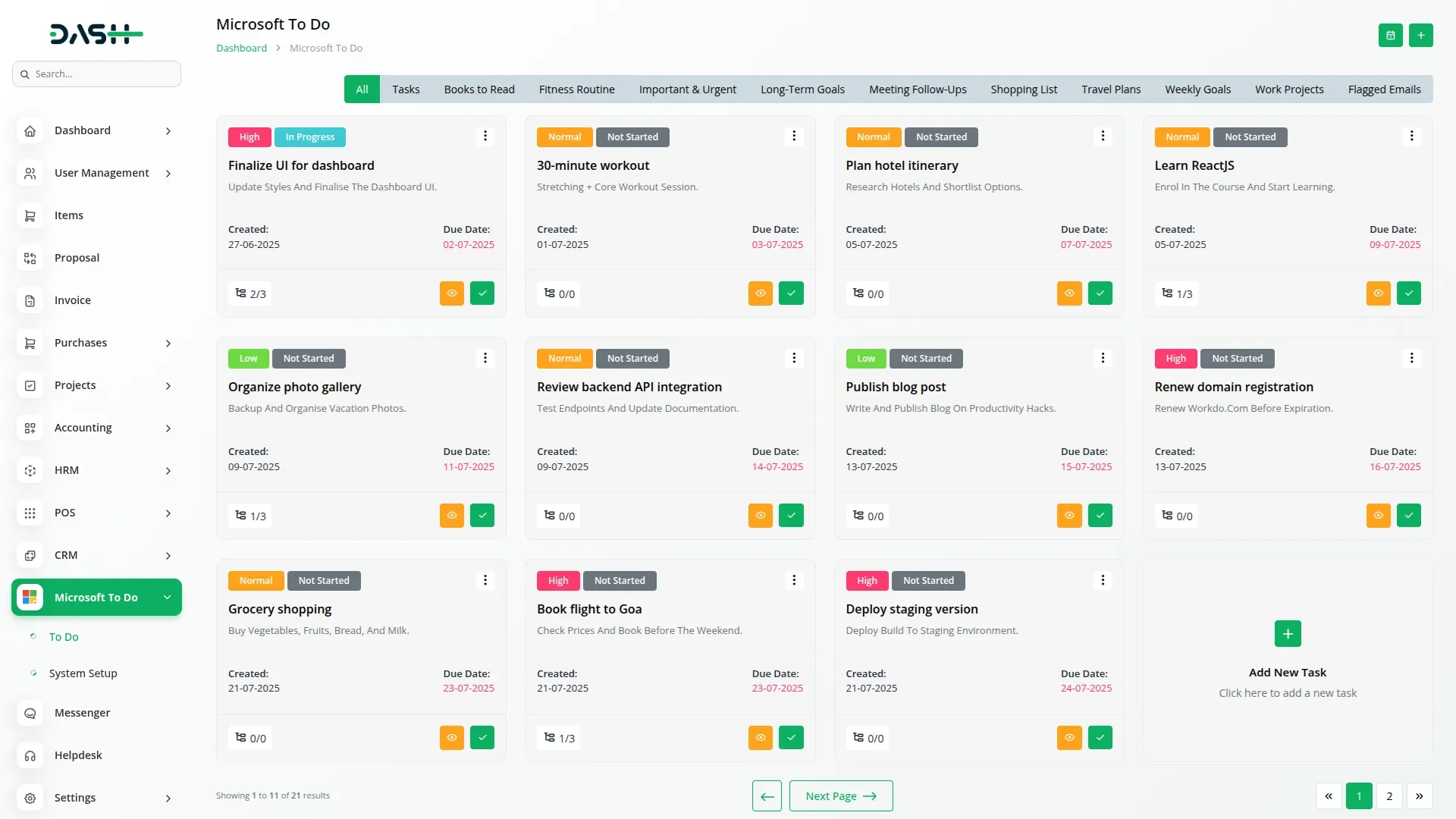
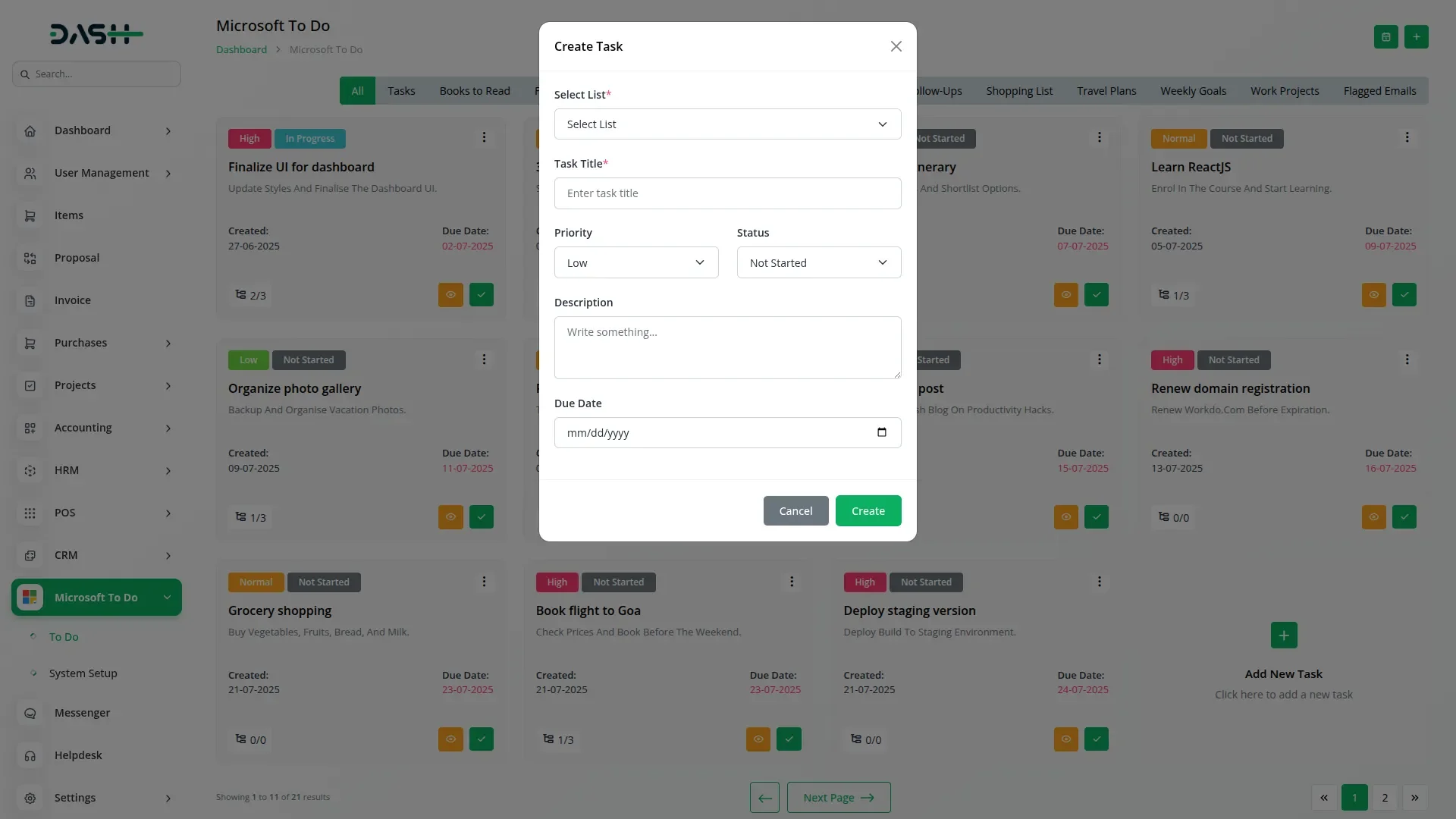
You can easily create, update, and manage your tasks using basic tools like add, edit, and delete. Each task can be given a priority level from low to high, and you can track progress with clear status labels such as not started, in progress, completed, and more. You can also include a due date, task description, and creation date to help manage deadlines. Task lists can be created for different needs, and important system lists(Tasks, Flagged Email, etc.) are protected from being deleted or edited by mistake.
Easy Views, Sub-Tasks & Files
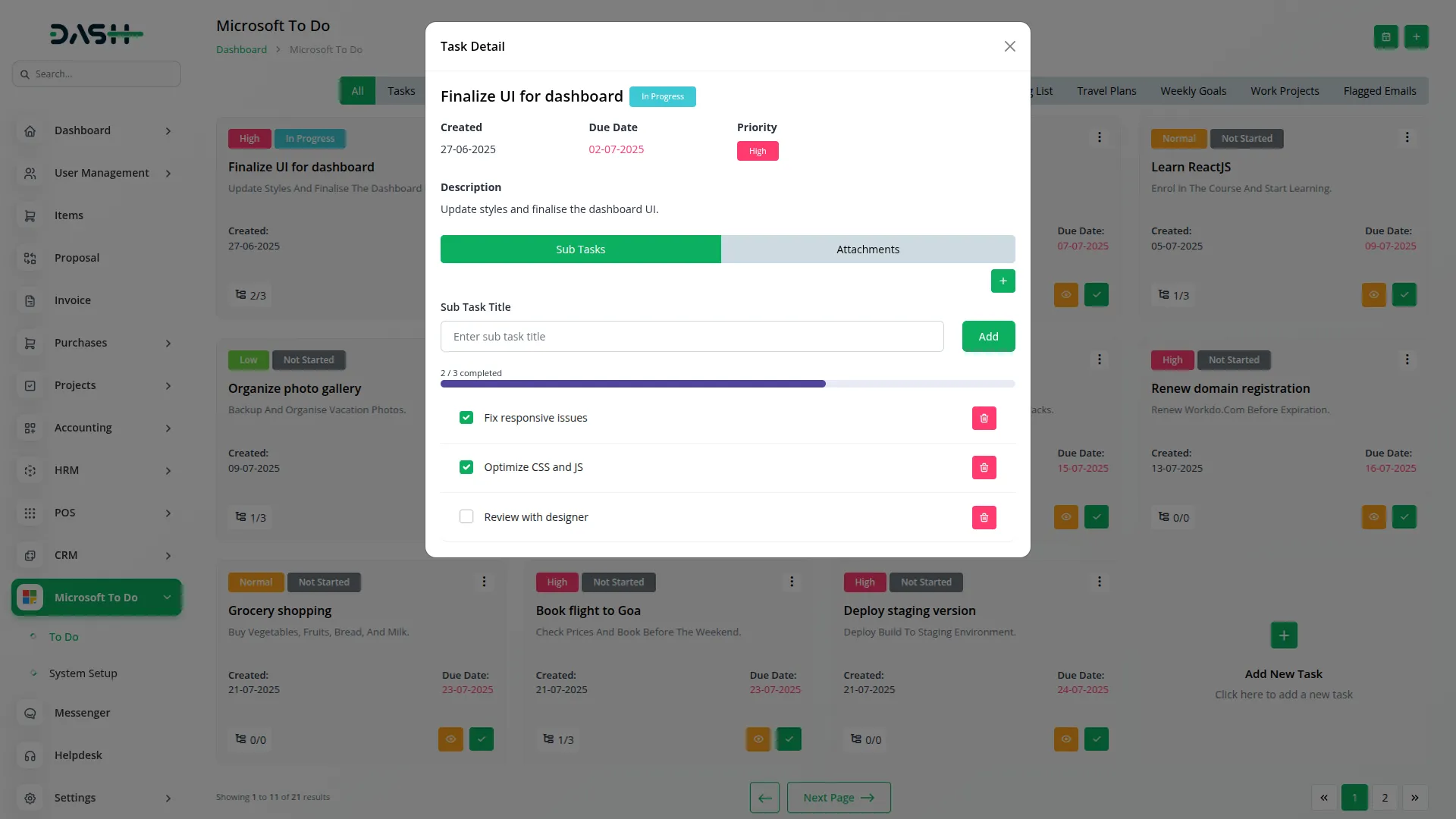
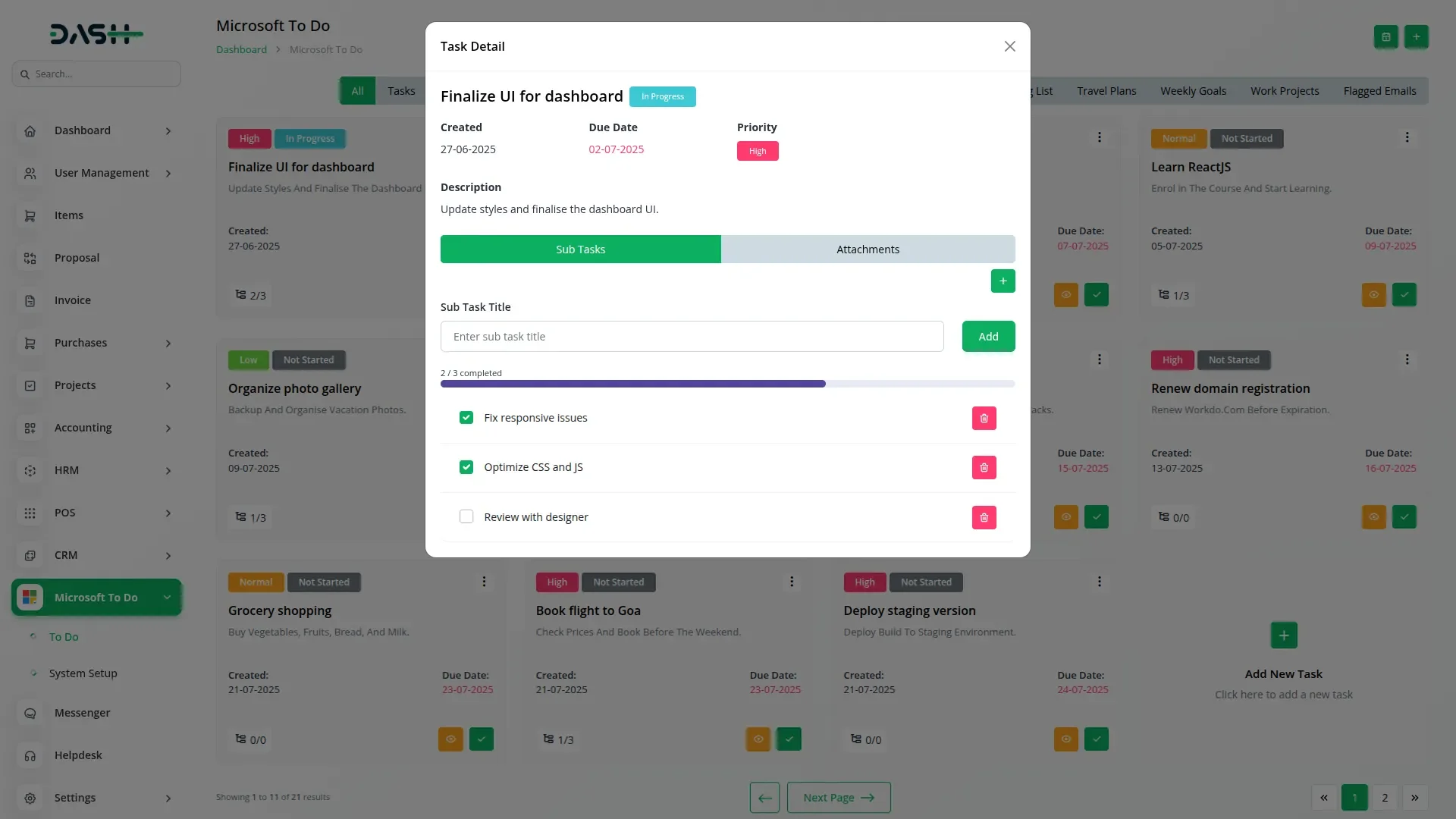
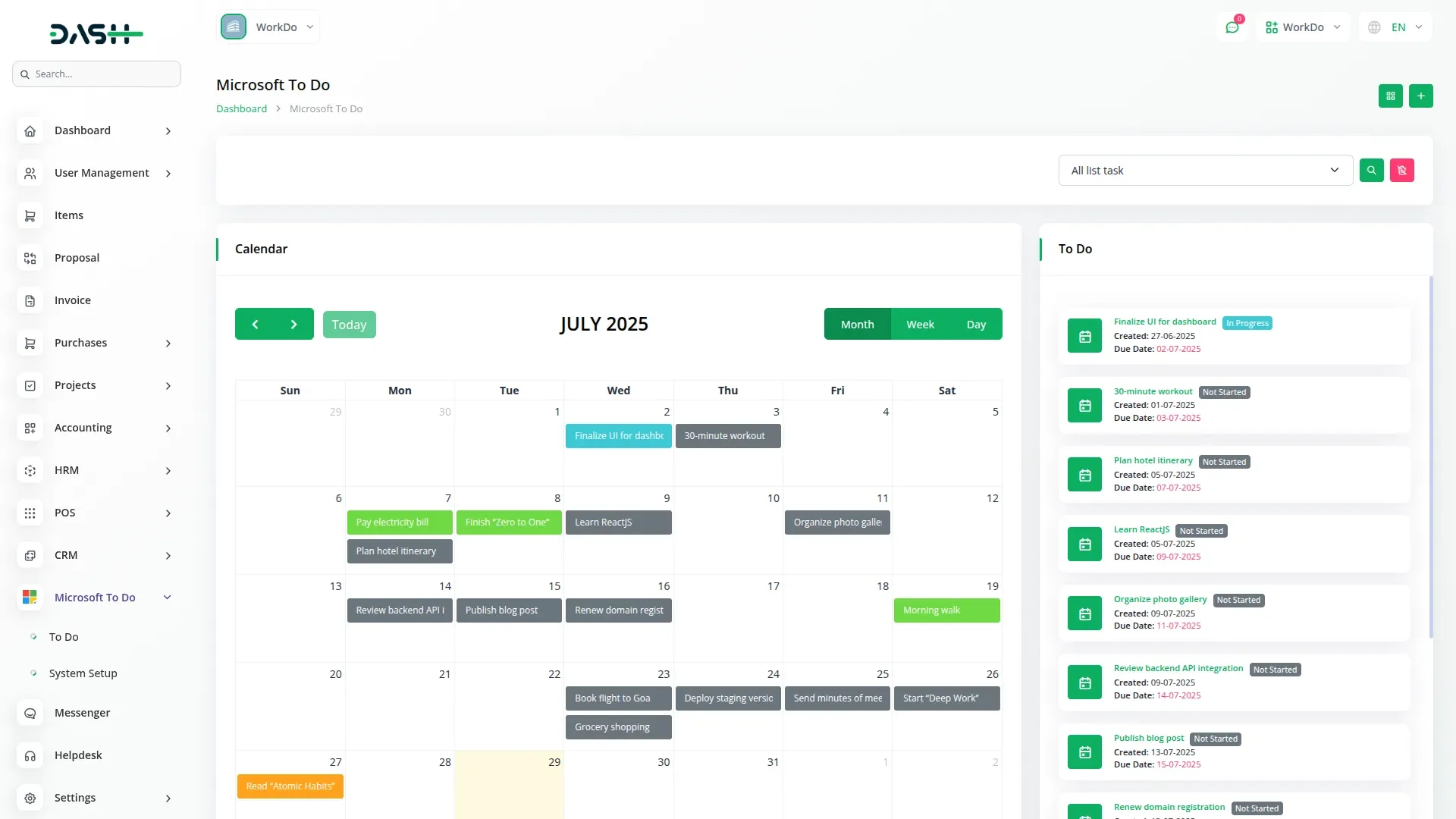
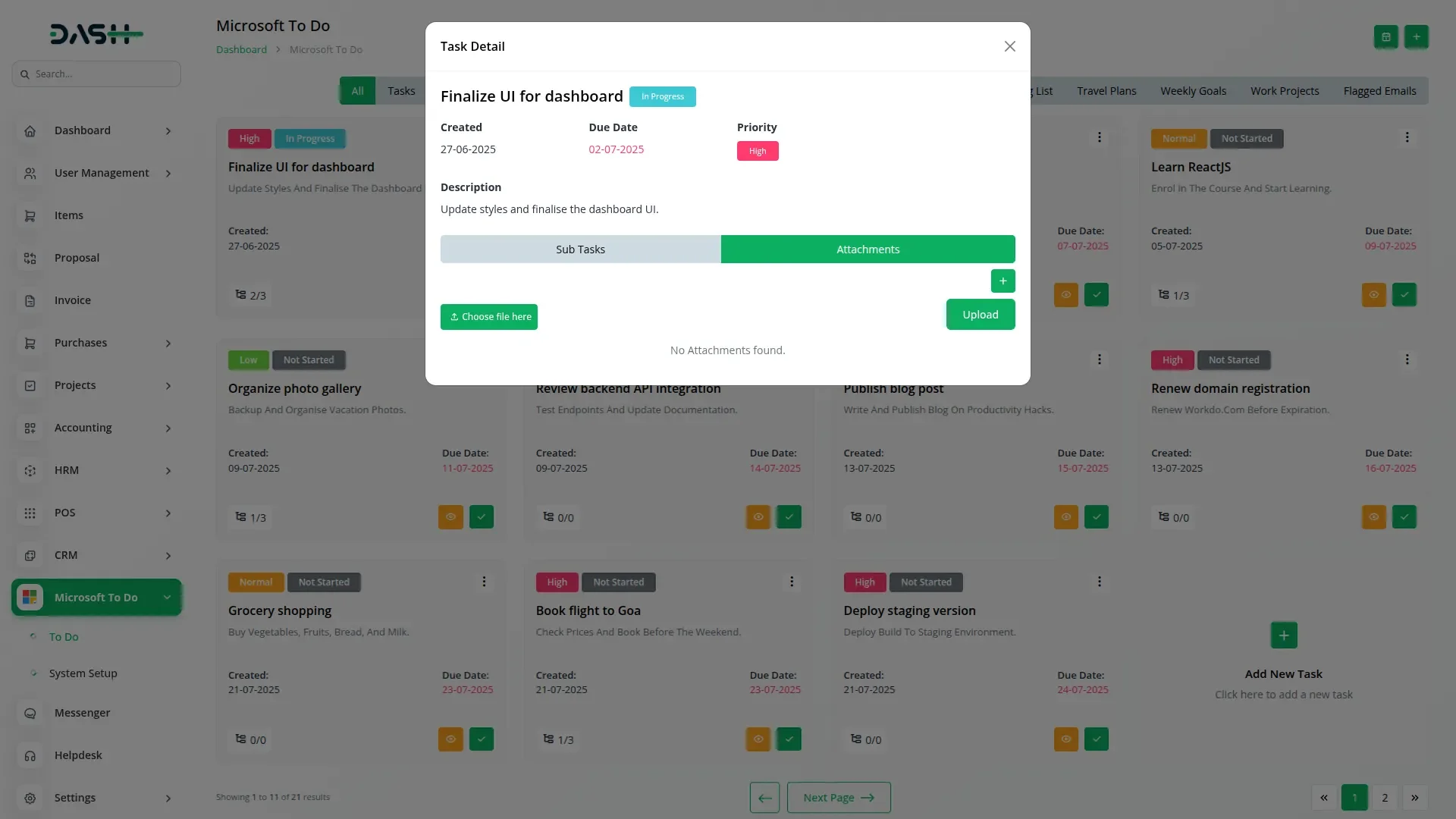
You can choose between a grid view and a calendar view to see your tasks the way you like. The grid view shows task cards with details like name, status, priority, and due date. The calendar view lets you see tasks by date in a monthly format. You can break big tasks into smaller parts (subtasks), track their progress, and mark them complete. You can also upload files directly to each task, making it easy to store and access documents.
Check here : - documents
Last update:
Sep 21, 2026 11:05 AM
Version:
v1
Category:
High Resolution:
YesSoftware Version:
Files Included:
Software FrameWork:
LaravelTags:
Published:
Mar 05, 2026 07:02 PM